Templates · Guide
Free n8n Templates for Small Businesses (Ready to Import)
Quick answer
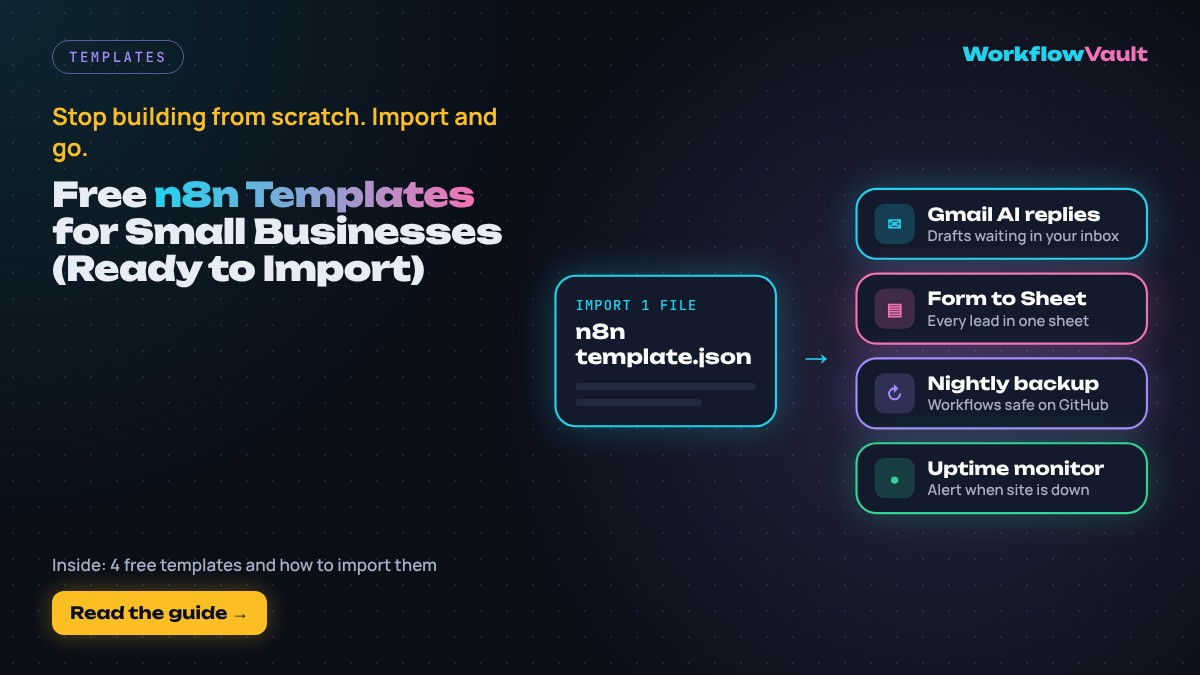
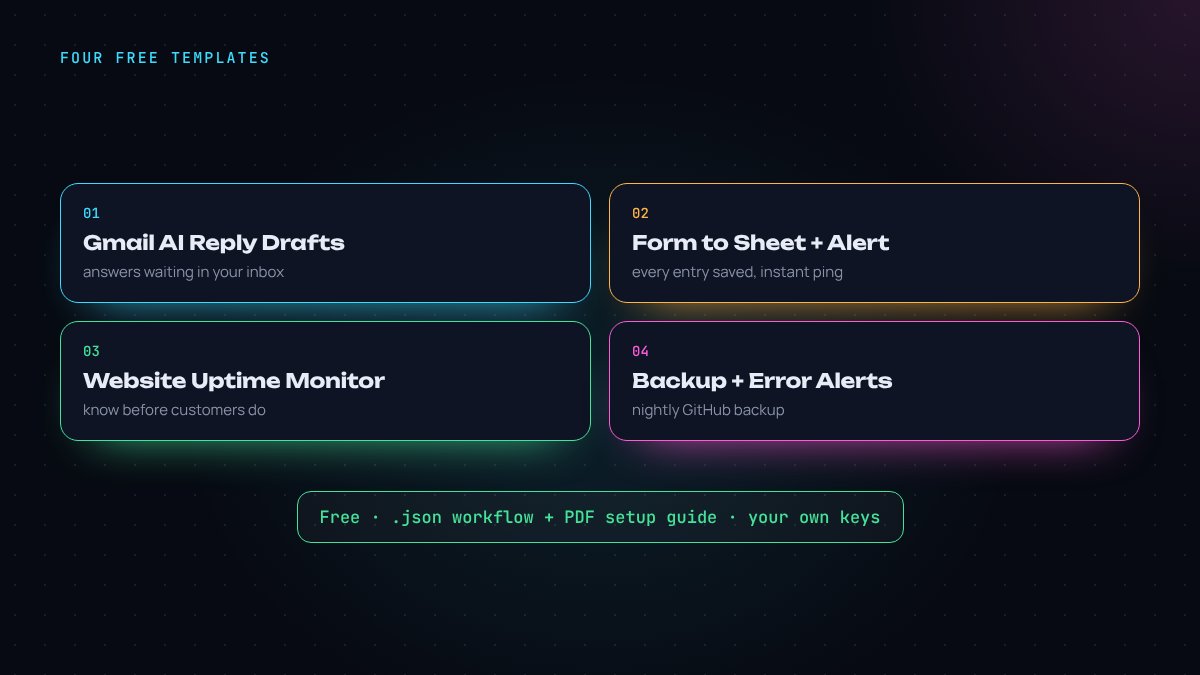
WorkflowVault offers four free n8n templates: Gmail AI Reply Drafts, Form to Sheet + Alert, Website Uptime Monitor and Backup + Error Alerts. Download the .json file, open n8n, choose Import from File, connect your own accounts where the sticky notes point and run a test.
n8n is one of the most flexible ways to automate a small business: it connects Gmail, Google Sheets, forms, AI models and hundreds of other apps, and you can run it on a cheap server or on n8n's cloud plan. The hard part is the blank canvas. Templates solve that: you start from a workflow that already works and change what you need.
Here are four free templates that cover the most common small-business jobs, and how to get each one running.
1. Gmail AI Reply Drafts
Every email that matches your filter gets a polite, on-point reply draft written by AI and saved in Gmail. Nothing is sent automatically; you read, tweak and send. Good for customer questions, quote requests and anything you answer often.
Gmail AI Reply Drafts template · about 10 minutes to set up.
2. Form to Sheet + Alert
Saves every form submission to Google Sheets with a timestamp and sends you an email or WhatsApp alert the moment it arrives. Use the built-in n8n form or point your existing website form to the workflow's webhook.
Form to Sheet + Alert template · about 10 minutes.
3. Website Uptime Monitor
Checks your websites every 5 minutes and emails you when one goes down, and again when it is back. A simple safety net for your shop, booking page or client sites.
Website Uptime Monitor template · about 5 minutes.
4. Backup + Error Alerts
If you self-host n8n, this one is essential. It backs up all your workflows to a private GitHub repository every night and emails you when any workflow fails, so a broken automation never goes unnoticed for days.
Backup + Error Alerts template · about 15 minutes.
How to import an n8n template
- Download the .zip and unzip it. You get the workflow .json and a PDF setup guide.
- Open n8n, create a new workflow, open the menu (three dots) and choose Import from File.
- Connect your accounts. Nodes that need a login show a warning. Open each one and add your credential: Google, Gmail, SMTP or an AI key.
- Read the sticky notes. They explain what each part does and which settings to change.
- Test, then publish. Run it once with test data, check the result and publish it so it runs on its own.
Templates never include API keys. You connect your own accounts, so your data stays between you and the apps you already use.
Which AI model should I use?
The AI templates accept any OpenAI-compatible API. Google's Gemini has a free tier that is enough for most small businesses to start; you can switch to OpenAI, Claude or another provider later by changing the credential.
Free download
Start with Gmail AI Reply Drafts
The quickest win for most businesses: answers waiting in your inbox every morning. Free, with a PDF setup guide.
When a paid template or custom build makes sense
Free templates are a great starting point. When a workflow touches money or customers, such as chasing invoices, replying to leads or handling complaints, the extra edge-case handling in a tested paid template, or a custom build around your exact tools, usually pays for itself quickly. See custom n8n services.
Frequently asked questions
Are these n8n templates really free?
Yes. Download the file, import it into your own n8n and connect your own accounts. There is no subscription.
Do the templates work with n8n Cloud?
Yes. They work on n8n Cloud and on self-hosted n8n.
How do I import a workflow into n8n?
Create a new workflow, open the three-dot menu and choose Import from File, then pick the .json file. Connect your credentials and run a test.
Do I need to know how to code?
No. The templates are ready to run. You only add your accounts and change a few settings described in the sticky notes and the setup guide.
Templates for this job
Want it built around your exact tools? Custom n8n workflows from $150.