Tools · Guide
n8n vs Zapier vs Make: Which Automation Tool Is Best for a Small Business?
Quick answer
Zapier is the easiest to start with and has the most app integrations, but costs grow with every task. Make is more visual and usually cheaper for multi-step scenarios. n8n has the most flexibility and AI features and can be self-hosted for free, which makes it the best value for workflows with many steps or high volume, as long as you are comfortable with a slightly steeper learning curve or use ready-made templates.
If you want to automate parts of your business, three names come up again and again: Zapier, Make (formerly Integromat) and n8n. All three connect your apps and move data between them without you copying and pasting. They differ a lot in how they charge, how much control you get and how far you can push them.
This comparison is written for small business owners, not developers. Prices change often, so check each tool's pricing page before you decide; the pricing models below are what matter most.
The short version
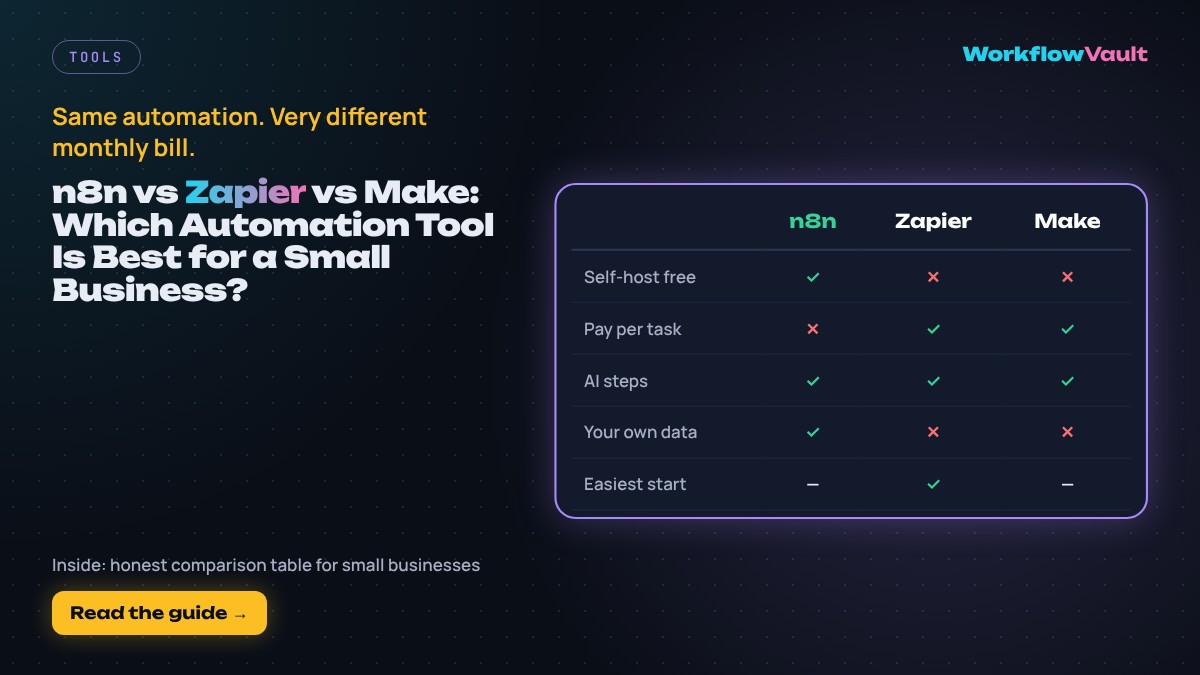
| Zapier | Make | n8n | |
|---|---|---|---|
| Best for | Simple two or three step automations | Visual multi-step scenarios | Complex, AI-heavy or high-volume workflows |
| How it charges | Per task (each action that runs) | Per operation or credit | Per workflow run on Cloud; free to self-host |
| Ease of use | Easiest | Medium | Medium to advanced |
| Self-hosting | No | No | Yes |
| Custom code | Limited | Limited | Full JavaScript and Python nodes |
Zapier: easiest to start
Zapier's strength is simplicity and breadth. It connects to thousands of apps, and its step-by-step editor makes a basic automation, such as "new form entry → add a row to Google Sheets → send me an email", take a few minutes.
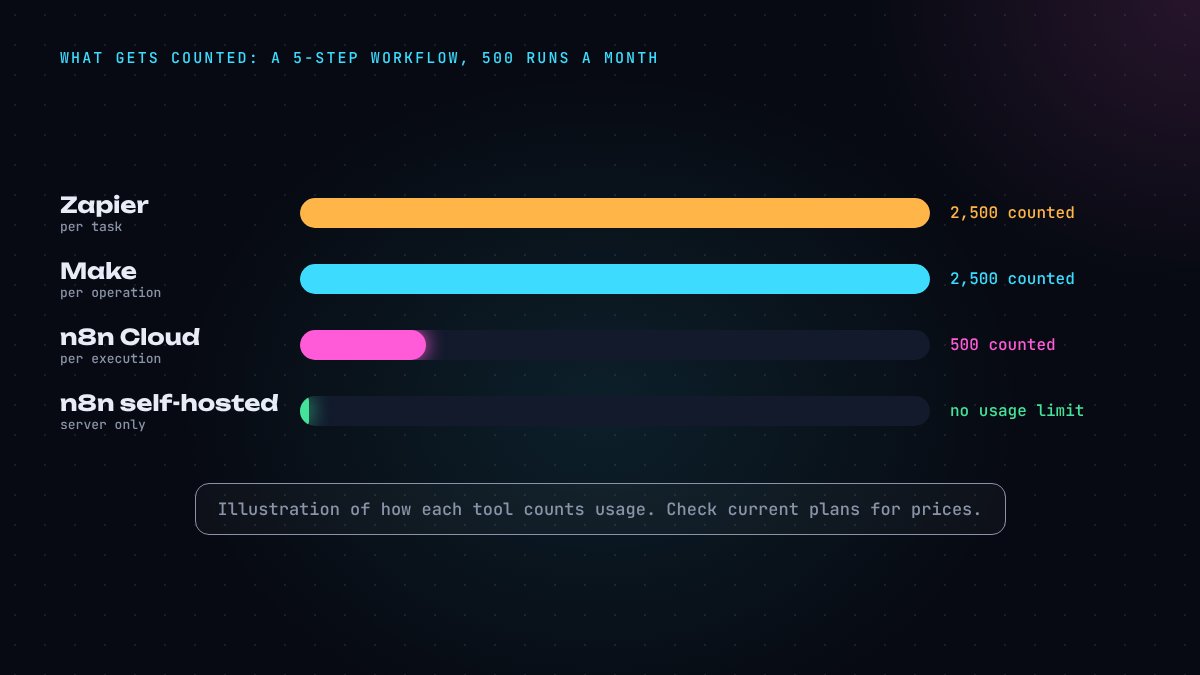
The catch is cost at scale. Zapier counts every action that runs as a task. A five-step automation that runs 500 times a month uses 2,500 tasks, so busy or multi-step workflows push you into higher plans quickly. Branching logic and loops are possible but feel bolted on.
Choose Zapier if you need a few simple automations, use niche apps that only Zapier supports, and want the least possible setup.
Make: visual and good value
Make shows your automation as a flowchart of connected bubbles, which makes multi-step logic, filters and branches easier to see. It is usually cheaper than Zapier for the same work and handles data transformations well.
It still charges per operation, so large volumes add up, and complex scenarios can become hard to debug. Like Zapier, your data and automations live on Make's servers.
Choose Make if you want more power than Zapier at a lower price and like building visually.
n8n: most flexible, best value at scale
n8n is a workflow tool you can use on n8n's own cloud or install on your own server. Three things set it apart:
- Pricing: on n8n Cloud you pay per workflow run, not per step, so a 20-step workflow costs the same as a 2-step one. Self-hosted, the Community Edition is free and you only pay for the server.
- AI built in: n8n has AI Agent nodes, memory, tools and connections to OpenAI, Gemini, Claude and local models, which makes it strong for workflows that read, sort or write text.
- Control: when self-hosted, your data stays on your server, and you can write JavaScript or Python inside a workflow when a ready-made node is not enough.
The trade-off is a steeper learning curve. A blank n8n canvas can be intimidating, and self-hosting means you look after updates and backups. Ready-made templates remove most of that pain: you import a tested workflow and only connect your accounts.
Choose n8n if your workflows have many steps, run often, use AI, or handle data you would rather keep on your own server.
Which is best for AI automation?
All three can call an AI model. For anything beyond "send this text to ChatGPT", such as AI that reads an email, decides what kind of request it is, looks something up and writes a draft, n8n is currently the most capable of the three. Its AI Agent nodes let the model use tools and follow multi-step logic inside one workflow, and per-run pricing means a long AI workflow does not cost more per step.
What about data privacy?
With Zapier and Make, your automation data passes through their cloud. That is fine for most businesses, and both take security seriously. If you handle sensitive customer data or simply want full control, self-hosted n8n lets you keep everything on a server you control.
Skip the learning curve
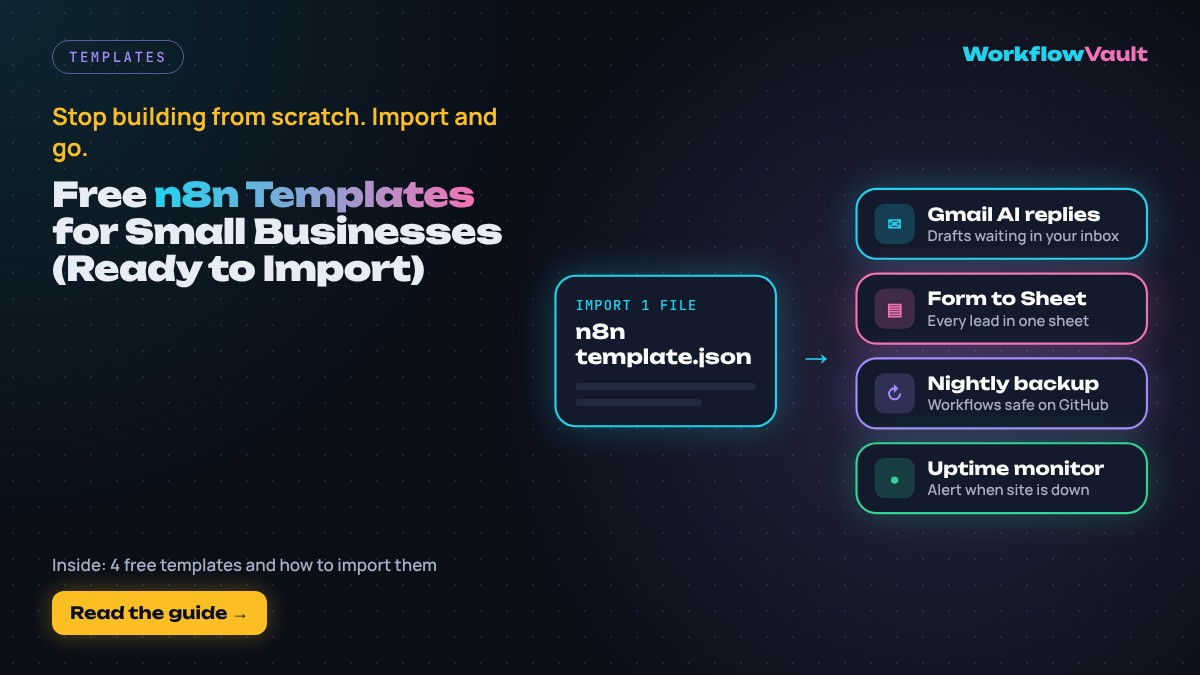
Ready-made n8n templates
Start with a tested n8n workflow instead of a blank canvas: lead replies, invoice reminders, appointment reminders, feedback triage and more. Import, connect your accounts, run.
Our recommendation
If you only need two or three simple automations, start with Zapier's free plan and see how far it gets you. If you expect to automate real parts of your business, especially with AI, start with n8n. It costs less as you grow, does more, and with templates the setup is far easier than it first looks.
Frequently asked questions
Is n8n better than Zapier?
For complex, high-volume or AI-heavy workflows, n8n is usually more capable and cheaper because it charges per workflow run instead of per step, and can be self-hosted. Zapier is easier for simple automations and supports more apps.
Is n8n free?
The self-hosted Community Edition is free to use for your own business; you pay only for the server. n8n Cloud is a paid hosted plan.
Is Make cheaper than Zapier?
For the same multi-step work, Make is usually cheaper than Zapier, but both charge per action, so costs grow with volume.
Can I move from Zapier to n8n?
Yes. There is no automatic import, but most Zapier automations can be rebuilt in n8n, often in fewer steps, and many common ones exist as templates.
Templates for this job
Want it built around your exact tools? Custom n8n workflows from $150.