Bookkeeping · Guide
How to Log Email Receipts and Invoices to Google Sheets Automatically
Quick answer
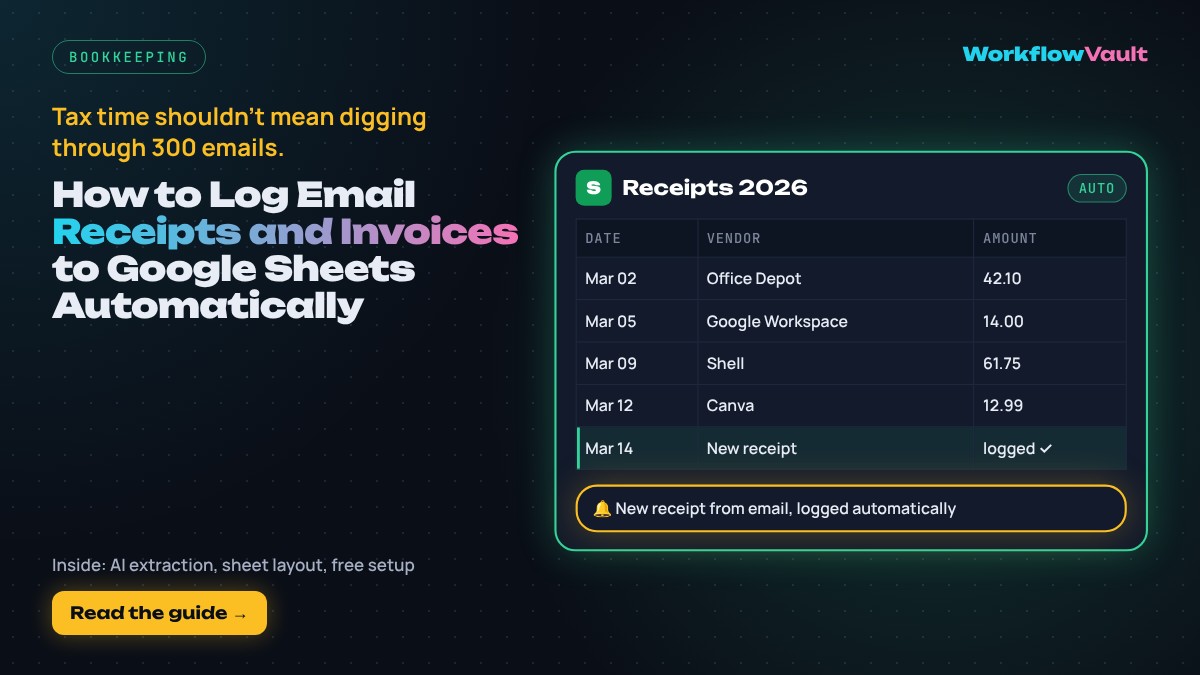
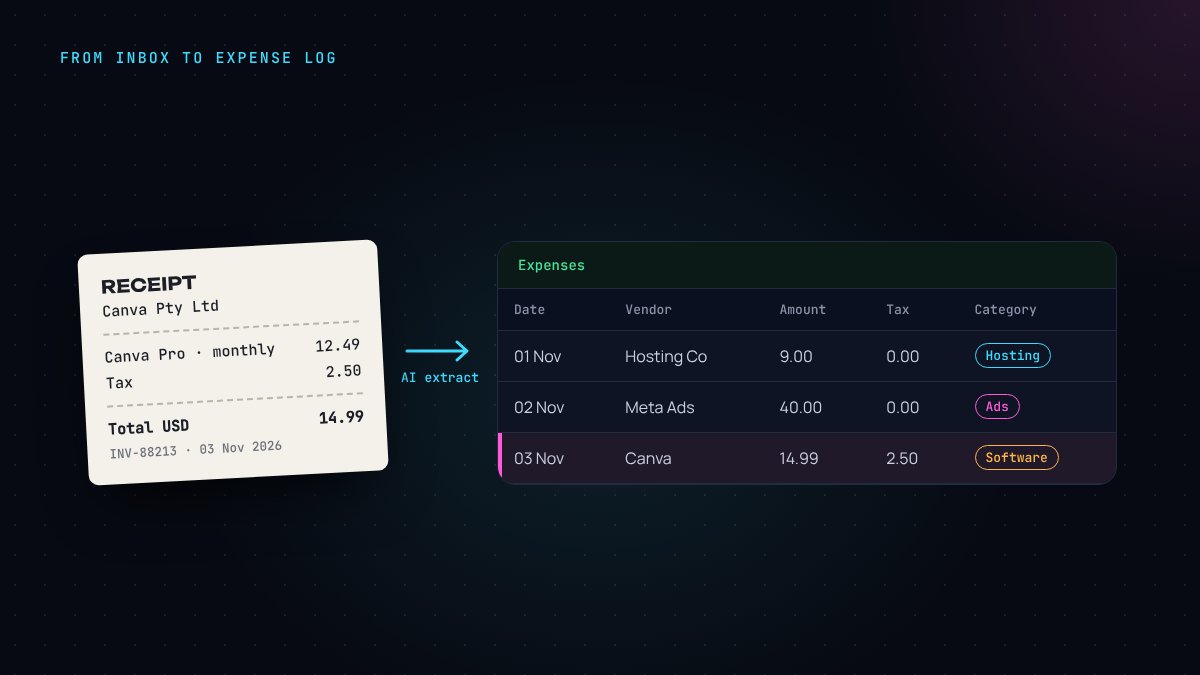
Label receipt and invoice emails in Gmail with a filter, let an automation read the email text and any text-based PDF attachment, have AI extract the vendor, date, amount, currency, tax and a category, and add one row per document to a Google Sheet with a link back to the original email.
Software subscriptions, supplier invoices, ad spend, hosting, travel: most small-business expenses now arrive as emails. At the end of the month someone has to open each one and type the numbers into a spreadsheet or accounting tool. It is slow, boring and easy to get wrong.
AI can now read those emails and attachments for you and keep the log up to date as receipts arrive. Here is how it works and how to set it up.
What to capture for each receipt
Keep the log simple. These columns cover what most bookkeepers and tax returns need:
| Column | Example |
|---|---|
| Date | 2026-11-03 |
| Vendor | Canva |
| Amount | 14.99 |
| Currency | USD |
| Tax | 2.50 |
| Category | Software |
| Invoice / receipt number | INV-88213 |
| Link | back to the email |
The link matters: when your accountant asks "what is this charge?", you are one click from the original.
Step 1: get receipts into one place
Create a Gmail filter that labels likely receipts, for example emails with words like "receipt", "invoice" or "payment confirmation" in the subject, or from vendors you know. It does not have to be perfect; the AI can skip emails that are not really receipts.
Step 2: let AI read them
Every receipt looks different, which is why old rule-based tools struggled. A language model can read the email body and the text of a PDF attachment and return the same fields every time, whatever the layout. Ask it for a strict format (for example JSON with fixed field names) so the result drops neatly into your sheet.
One limit to know: text-based PDFs, the kind most online services send, are easy to read. Photos or scanned images of paper receipts need an OCR step first to turn the picture into text.
Step 3: log it to Google Sheets
Each receipt becomes one row. From there you can add a monthly total per category with a pivot table, share the sheet with your bookkeeper, or import it into Xero, QuickBooks or another accounting tool as a CSV.
How to build it in n8n
- Gmail trigger on your receipts label.
- Extract text from the email and any PDF attachment.
- AI step that returns vendor, date, amount, currency, tax, category and number.
- Google Sheets append, with the email link.
Running in n8n means your receipts are processed in your own account, not uploaded to yet another expense app.
Ready-made template
AI Receipt & Invoice Logger
Spots receipts and invoices in Gmail, reads the email and PDF text with AI and keeps a clean expense log in Google Sheets. About 15 minutes to set up.
Is this a replacement for accounting software?
No. Think of it as the tidy inbox-to-spreadsheet step that saves you the copying. Your accounting software or bookkeeper still handles reconciliation and tax. What changes is that the data is already there, complete and linked to its source, when they need it.
Frequently asked questions
Can AI read invoices and receipts?
Yes. Language models can read email text and text-based PDFs and return fields such as vendor, date, amount and tax in a consistent format. Scanned images need an OCR step first.
How do I get receipts from Gmail into Google Sheets?
Label receipt emails with a Gmail filter, then use an automation such as n8n to read each one, extract the details with AI and append a row to your sheet.
Is it safe to process receipts with AI?
Use a provider you trust and run the workflow in your own n8n account. The template does not send your data anywhere except the AI provider and Google account you connect.
Can I import the sheet into QuickBooks or Xero?
Yes. Export the sheet as CSV and use your accounting tool's import, or ask for a direct integration.
Templates for this job
Want it built around your exact tools? Custom n8n workflows from $150.