Marketing · Guide
How to Turn Blog Posts into Social Media Posts Automatically
Quick answer
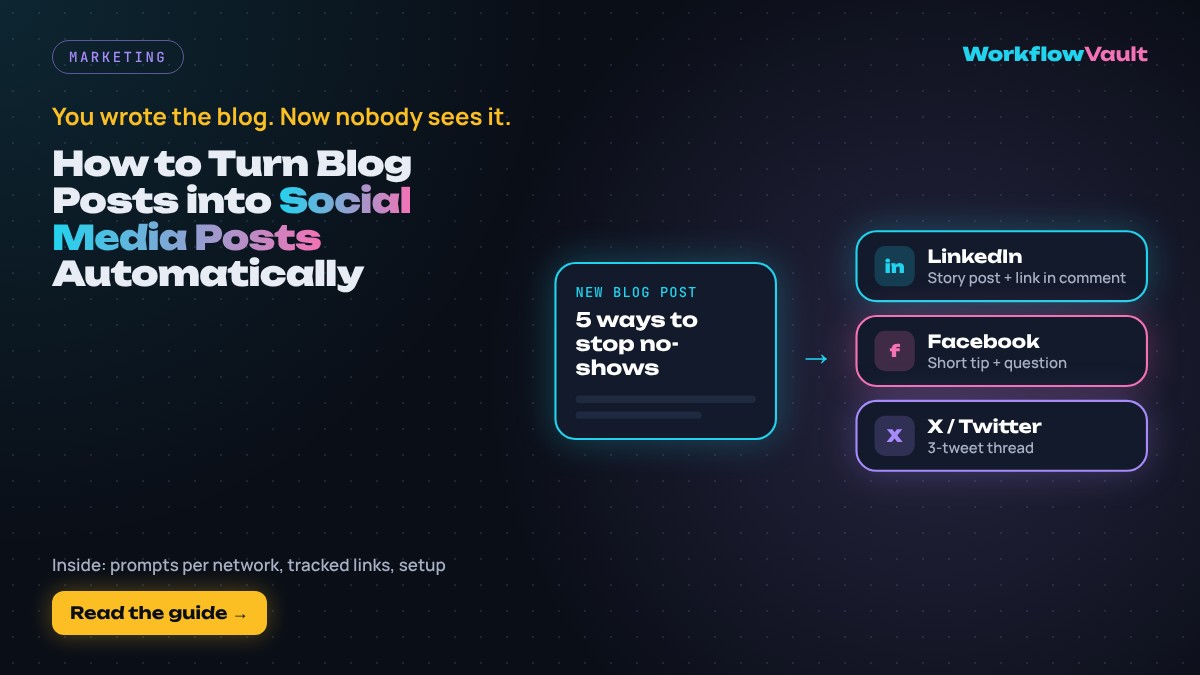
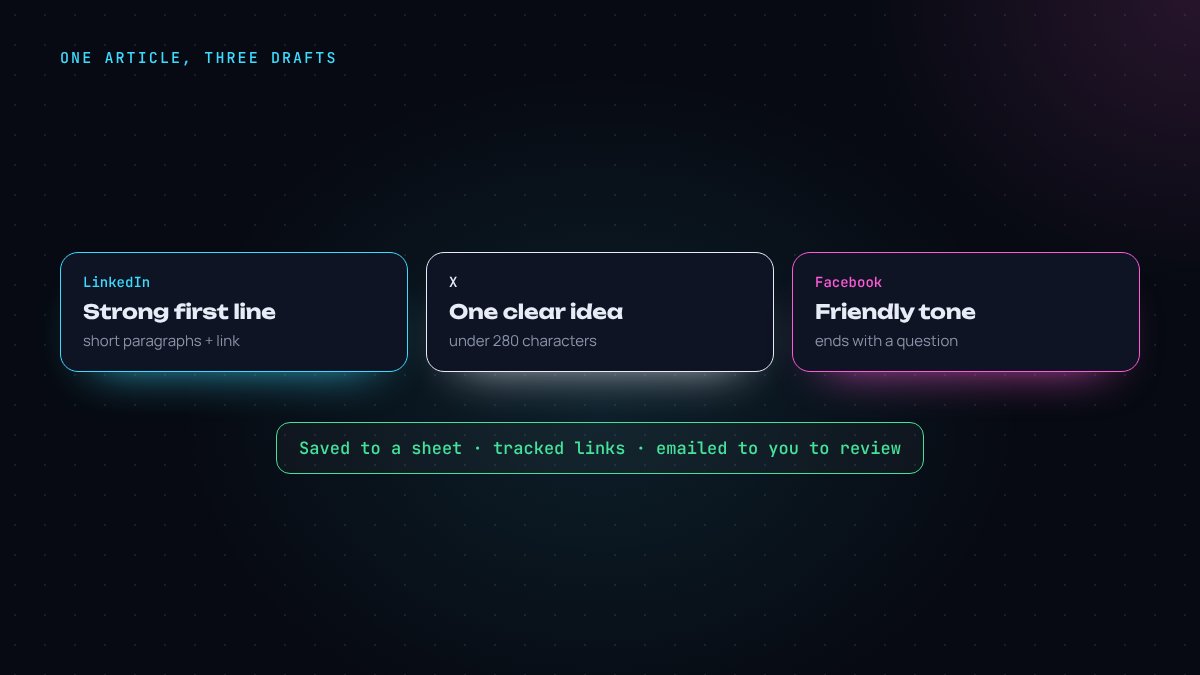
Watch your blog's RSS feed, and for each new article fetch the text, ask AI to write a LinkedIn post, a short X post and a Facebook post in your voice with a tracked link, then save the drafts to a sheet and email them to you to review and post.
Writing a good blog post takes hours. Then it gets shared once, maybe, and forgotten. Each article already contains several social posts: the main point, a surprising detail, a quick tip. Repurposing pulls those out so one article feeds your social channels for days.
What each platform wants
| Platform | Works well |
|---|---|
| A strong first line, short paragraphs, a practical takeaway, the link at the end | |
| X | One clear idea under 280 characters, plain words, the link |
| Friendly and conversational, a question to invite comments |
The same text pasted everywhere looks lazy on all three. Writing three versions by hand is the job nobody has time for, which is exactly where AI helps.
Keep your voice
Give the AI a short description of how you write: who you write for, words you use and avoid, whether you use emoji. Ask it to use only facts from the article, never invent numbers or claims, and to keep the article's main point. Read the first few batches carefully and adjust the instructions.
Track which platform works
Add UTM tags to each link (for example utm_source=linkedin) so your analytics show which platform actually brings visitors. After a month you will know where to spend your time.
Drafts, not auto-posting
It is tempting to post automatically. Do not, at least at first. A quick human read catches the odd strange sentence, lets you add a personal line, and lets you choose the right day. Saving drafts to a sheet and emailing them to yourself keeps the speed without the risk. You can then paste them in, or load them into a scheduler.
The workflow, step by step
- Daily check of your blog or any RSS feed.
- Skip articles already drafted, and anything older than two weeks.
- Read the article text from the page (or the feed if the page is blocked).
- AI writes three posts, one per platform.
- Tracked links per platform.
- Sheet and email with copy-ready drafts.
Ready-made template
Blog to Social Drafts
Turns every new blog post into ready-to-post LinkedIn, X and Facebook drafts with tracked links, saved to a Google Sheet and emailed to you in one copy-ready message.
Get more from each article
- Post the LinkedIn version on publish day, the X version two days later, and the Facebook one later in the week.
- Reshare older articles that are still true. Evergreen guides keep working.
- Turn the best comments into your next article idea.
New to automation? Start with free n8n templates for small business.
Frequently asked questions
How do I repurpose a blog post for social media?
Pull out the main point and one or two useful details, then write a version for each platform: a structured LinkedIn post, a short X post and a friendly Facebook post, each linking back to the article.
Can AI write social media posts from my blog?
Yes. Give it the article text and a short description of your voice, and ask it to use only facts from the article.
Should social posts be published automatically?
Saving them as drafts for a quick human review is safer, especially at first. You keep the speed and avoid mistakes going live.
How do I know which platform brings visitors?
Add UTM tags to each link, such as utm_source=linkedin, and check your analytics.
Templates for this job
Want it built around your exact tools? Custom n8n workflows from $150.