Leads · Guide
Missed Call Text Back: Stop Losing Leads When Busy
Quick answer
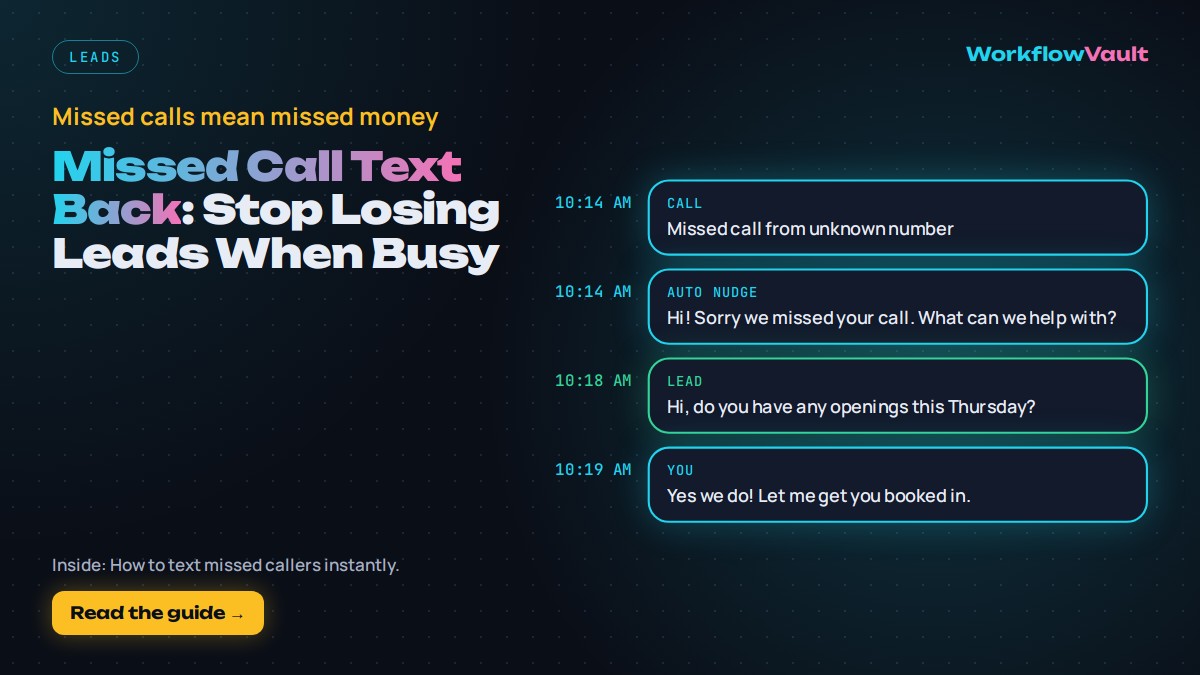
A missed call text back system automatically sends a text message to callers when you cannot answer the phone. This lets potential customers know you are busy and invites them to share what they need over message so they do not hang up and call your competitor.
Why missed calls cost your business money
Running a small business means your hands are often full. Whether you are cutting hair, fixing a sink, or talking to a client in your clinic, the phone rings constantly. When you cannot pick up, the caller often hangs up without leaving a voicemail. In most cases, they immediately call the next business on their search results list.
By the time you see the missed call and call back hours later, that customer has already booked elsewhere. Waiting until the end of the day to check your call log is too late for modern consumers who expect an instant answer. Speed matters more than ever, and a missed call is essentially a burning hand-raising lead that you are ignoring simply because you are working.
Relying purely on memory or manual call logs leads to forgotten callbacks and frustrated prospective buyers. When you automate the first touchpoint, you buy yourself time to finish your current task while keeping the new lead engaged in conversation. It turns a frustrating missed opportunity into an active chat thread before your competitor even checks their phone.
How automatic text back systems work
An automated text back works in the background whenever your business phone registers an incoming call that goes unanswered. Instead of silence, the caller receives a polite, friendly text message within seconds. The message acknowledges that you missed their call because you were busy with another client and asks how you can help them today.
This immediate response shifts the dynamic entirely. Instead of feeling ignored, the potential customer feels acknowledged. Many people actually prefer texting over talking on the phone, especially for simple booking inquiries, price questions, or scheduling changes. They reply to your text with their details, and the conversation continues smoothly.
Behind the scenes, your system can also log the caller details into a spreadsheet or customer relationship tool so you never lose track of who called. You can read more about keeping your contact records organized in our guide on How to Use Google Sheets as a Simple CRM (and When to Move to HubSpot). With the basic contact info already saved, you can focus entirely on replying to their specific request.
Drafting the right first text message
The words you use in your missed call text matter immensely. Keep the message short, warm, and conversational. Avoid sounding like a stiff corporate robot or an obvious computer program. You want the sender to feel like a real human tapped out a quick note while stepping away from a client.
A good template should introduce your business name, explain briefly why you could not answer, and invite them to reply with details. For example, you might send a message that says hello, notes that you are currently busy helping another customer, and asks what they were looking to book or buy today. Always include a clear invitation for them to type out their question.
You also want to make sure you do not overwhelm them with too much information or long paragraphs. One simple question is enough to get them typing back. If you want to handle general customer questions faster when you do sit down at your desk, take a look at our tips on How To Answer Customer Questions Quickly Without Typing to speed up your daily inbox routine.
Logging call details without manual admin
An automated text response is only half the battle. You also need a reliable way to keep track of every missed call, phone number, and subsequent text exchange. Scribbling phone numbers on scrap paper or sticky notes leads to lost leads and messy desks at the end of the week.
Instead, connect your phone system to a central logging sheet. Every time a call comes in and goes unanswered, the system records the timestamp, phone number, and whether a text was dispatched. This gives you a clear audit trail of every inbound opportunity that happened while you were busy.
Having a centralized log allows you or your team to review the day at a glance. If someone did not reply to the automated text back, you can see their number right there in the sheet and decide whether a quick afternoon follow-up call is appropriate. It turns chaotic phone interruptions into an orderly list of tasks.
Handling after-hours calls effectively
Missed calls do not only happen during working hours. Many potential customers browse local business websites and dial numbers late at night, early in the morning, or on weekends when your shop or office is closed. Leaving these callers with a dead tone or a generic voicemail greeting is a fast way to lose their business.
An intelligent text back system can detect the time of day and adjust its reply accordingly. If someone calls at ten o'clock at night, the text can politely let them know that the team is currently resting but will review their request first thing in the morning. This sets proper expectations while still capturing their details immediately.
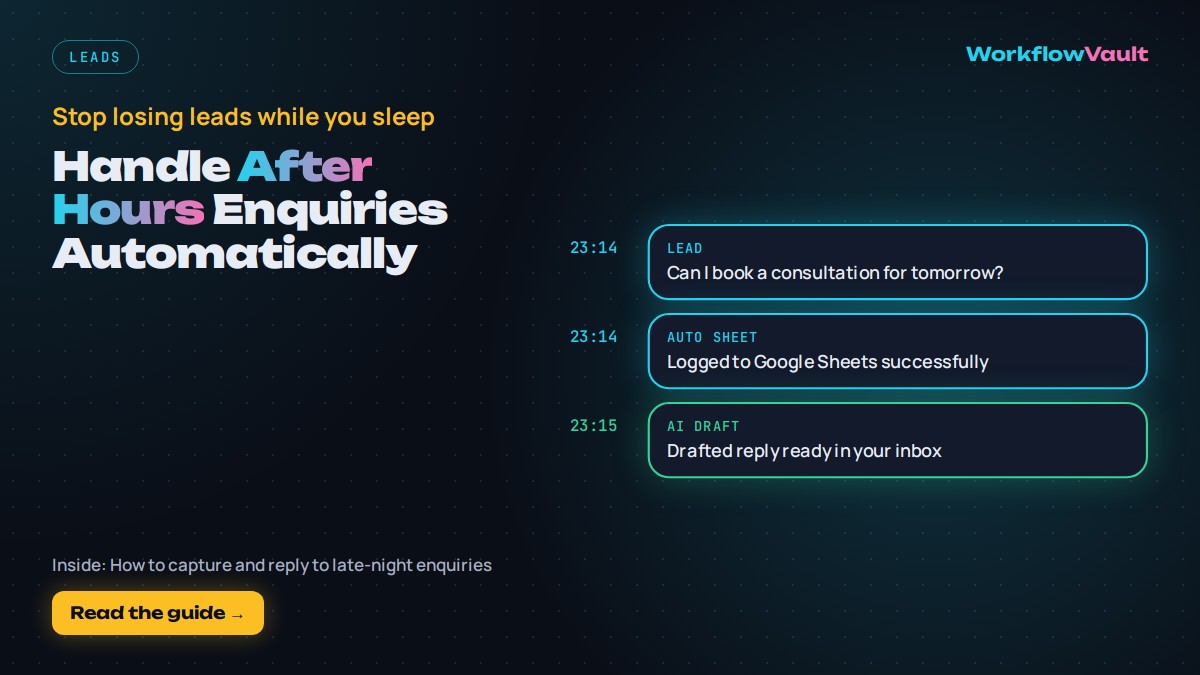
Capturing after-hours inquiries ensures your pipeline never sleeps. When you arrive at work in the morning, you already have a list of people who tried to reach you overnight, complete with their initial questions. For more ideas on managing inquiries outside normal business hours, check out our guide on Handle After Hours Enquiries Automatically.
Common mistakes to avoid with text automation
While automating your missed call replies is a powerful way to win business, a few common pitfalls can backfire if you are not careful. First, never make the text sound overly automated or aggressive. If a message sounds like a spam broadcast, people will ignore it or block your number.
Second, ensure your system stops texting if the lead replies or if you answer the phone yourself. Sending duplicate automated reminders after a conversation has already started looks disorganized and annoys the customer. Make sure your automation logic checks for existing conversation threads before firing off another note.
Finally, do not rely on your memory to check the automated logs. Pick a specific time each day to review your missed call sheet and make sure every prospective client has received a personal follow-up. Automation handles the initial speed, but human care closes the sale.
The workflow, step by step
- A potential customer calls your business phone number but you are unable to answer.
- Your phone provider triggers a webhook or event notification for the missed call.
- The n8n workflow captures the caller phone number and timestamp.
- An AI node or template filters the number to ensure it is a valid mobile line.
- The system logs the missed call details into your central Google Sheet.
- An automated SMS or chat message is sent immediately to the caller phone number.
- You can deploy our core template AI Lead Responder to manage the incoming lead details and draft your follow-up notes.
Conclusion and next steps
Missed calls no longer have to mean missed revenue for your small business. By setting up an automated text back system, you greet every potential customer instantly, even when your hands are busy serving someone else. It gives your business a professional edge and keeps leads from wandering off to competitors.
Start small by capturing your missed call data in a simple spreadsheet and sending a friendly greeting text. Once you see how many conversations it saves, you will wonder how you ever managed your phone line without it. Take control of your inbound calls today and turn every ring into a real relationship.
Frequently asked questions
What happens if the caller calls back again?
The system checks for existing records to prevent sending duplicate text messages to the same person within a short timeframe.
Can I customize the text message wording?
Yes, you can edit the text template to match your exact business voice and tone.
Does this work outside of normal business hours?
Yes, you can configure different messages for daytime missed calls versus night and weekend calls.
What tools do I need to set this up?
You need a phone system that supports webhooks or notifications, an n8n workflow instance, and a Google Sheet.
Templates for this job
Want it built around your exact tools? Custom n8n workflows from $150.