Leads · Guide
How to Reply to Every New Lead in Minutes with AI (and Still Sound Human)
Quick answer
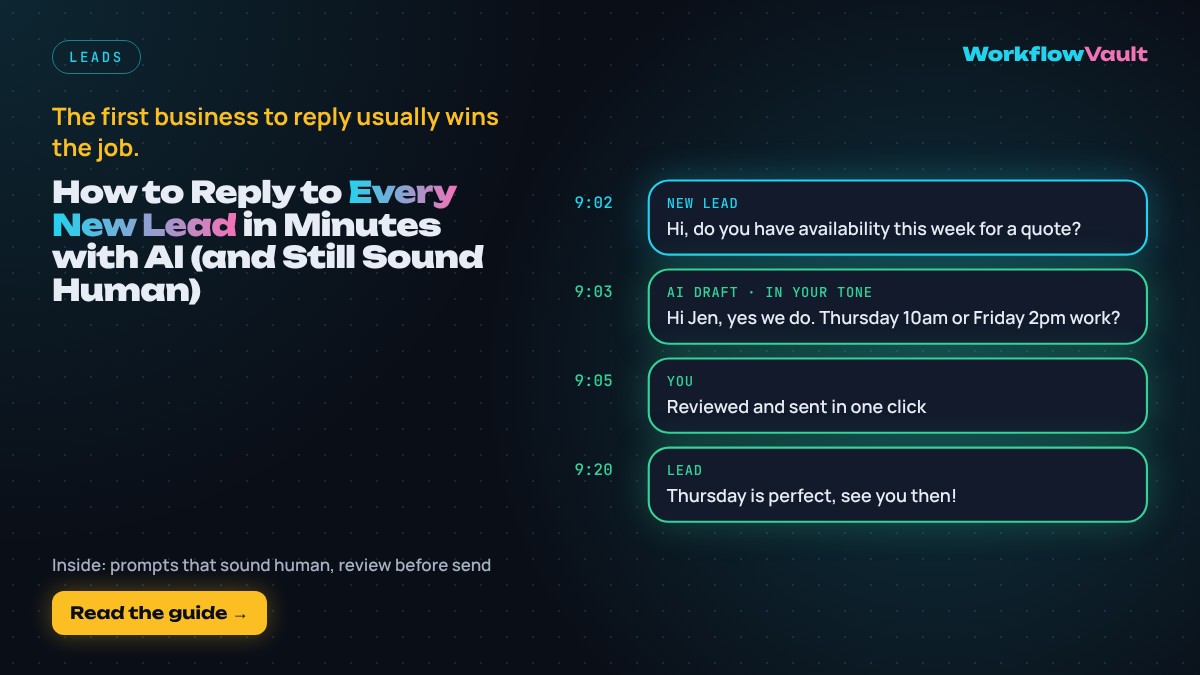
Send all enquiries to one inbox label, let an automation read each new one, pull out the name, need and urgency, save it to a Google Sheet and write a reply draft in your tone in the same Gmail thread. You read the draft, adjust it if needed and press send, so every lead gets a fast, personal answer.
When someone asks for a quote, they rarely ask only you. They message three or four businesses and usually go with the first one that gives a clear, friendly answer. Being good at the work does not help if the reply arrives tomorrow afternoon.
The fix is not to sit in your inbox all day. It is to make answering a lead take one minute instead of fifteen. This guide shows how to do that with AI drafts, while keeping every message in your own voice and under your control.
Why speed matters more than a perfect reply
A lead is most interested in the minutes after they send the enquiry. They are still thinking about the problem, still at their desk and still comparing options. A short, specific reply in that window starts a conversation. A beautifully written reply the next day often arrives after they have booked someone else.
So the goal is: a good reply, fast. AI is very good at the "good first draft" part.
Drafts, not auto-replies
It is tempting to let AI answer leads on its own. Do not. A fully automatic reply can promise a price you do not offer, miss a detail in the enquiry or answer spam. Instead, let the AI draft the reply and leave it in your inbox. You still read every message before it goes out, but the thinking and typing are done for you.
This keeps the speed benefit with almost none of the risk. Most drafts need a quick glance and one click.
What the AI needs to write a good reply
Generic AI replies sound generic because the AI knows nothing about your business. Give it a short brief it uses for every lead:
- What you offer, and what you do not, so it never promises the wrong thing.
- Your tone: "warm and plain-spoken, short sentences, no jargon".
- The next step you want: a booking link, a phone call or two questions to ask.
- Rules: never quote a final price, always use the person's first name, sign off as you.
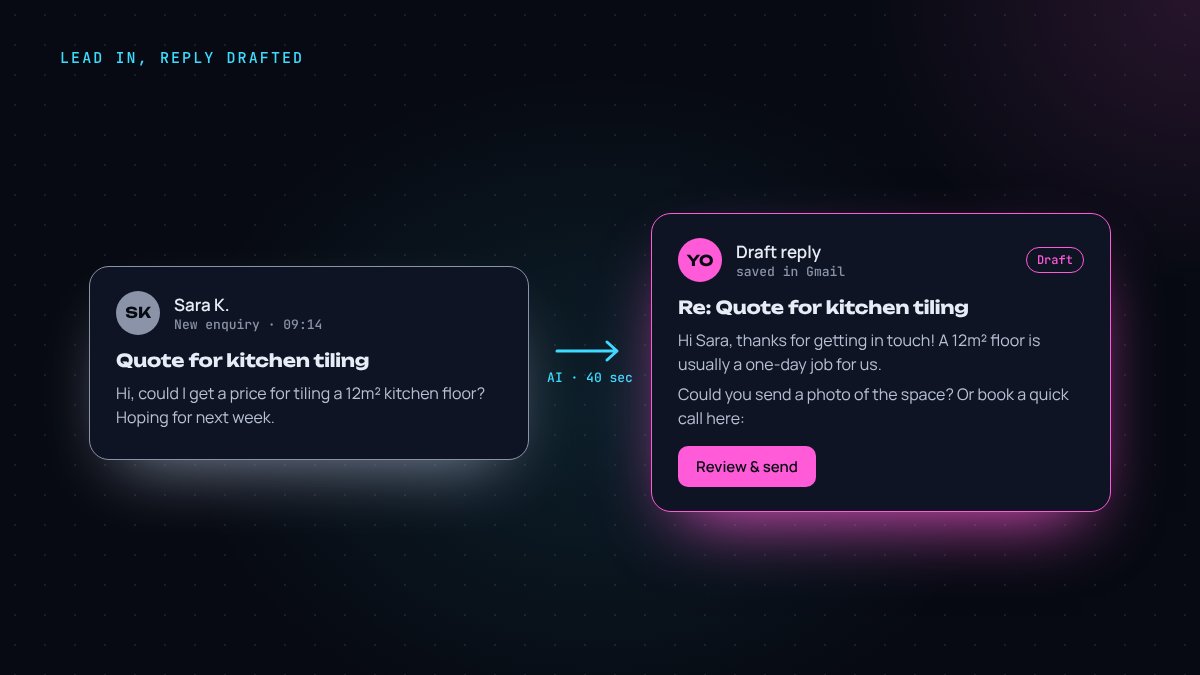
With that brief, a draft might read: "Hi Sara, thanks for getting in touch about the kitchen tiling. A 12m² floor is usually a one-day job for us. Could you send a photo of the space? Then I can give you a proper quote, or you can pick a time for a quick call here: [link]."
Keep every lead in one sheet
Replying fast is half of it. The other half is not losing track. When each enquiry is logged to a Google Sheet with the date, name, email, what they need and where they came from, you can see at a glance who has been answered, who needs a follow-up and which channels bring the best leads. It also gives you a simple pipeline without paying for a CRM.
How to set it up with Gmail, Google Sheets and n8n
- Route enquiries to a label. Use a Gmail filter so contact-form emails and quote requests land under a label like
Leads. - Watch the label. An n8n Gmail trigger picks up each new email there.
- Read it with AI. The AI pulls out the name, what they need and how urgent it is, and writes a reply using your brief.
- Log it. A new row goes into your leads sheet.
- Save the draft. The reply is saved as a Gmail draft in the same thread, ready for you to send.
You can use Gemini's free tier, OpenAI or another model; anything with an OpenAI-compatible API works.
Ready-made template
AI Lead Responder
Logs every lead email to Google Sheets and drafts a personal reply in Gmail in your tone. Nothing is sent without you. About 15 minutes to set up.
Add a fast alert for hot leads
Some enquiries are urgent: a burst pipe, a same-day booking, a big order. Add a step that sends you a WhatsApp or email alert when the AI marks a lead as urgent, so you see it even when you are away from your desk.
Frequently asked questions
Can AI reply to customer emails automatically?
It can, but it is safer to have AI create drafts that you review and send. You keep the speed while avoiding wrong prices or replies to spam.
Which AI model is best for drafting lead replies?
Most current models write good replies when given a clear brief about your business. Gemini's free tier is a good start; you can switch to OpenAI or another provider later.
Do I need a CRM to track leads?
Not at first. A Google Sheet with date, name, email, need, source and status works well for small businesses, and you can move to a CRM like HubSpot later.
Does this work with Outlook?
The same idea works with Outlook. n8n has Outlook nodes, though ready-made templates are often built for Gmail first.
Templates for this job
Want it built around your exact tools? Custom n8n workflows from $150.