Reviews · Guide
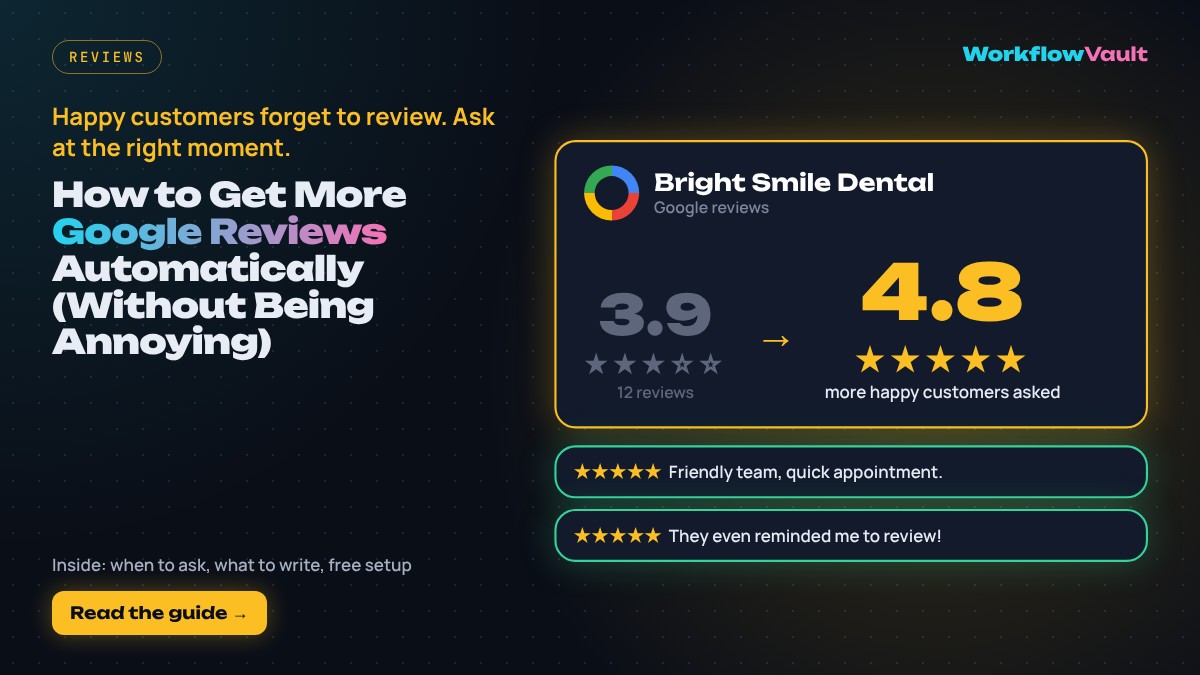
How to Get More Google Reviews Automatically (Without Being Annoying)
Quick answer
Ask every happy customer, right after the job is done, with a short personal email that includes a direct link to your Google review form. Send one polite reminder a few days later, never ask the same person twice, and automate it so a row marked done in your sheet triggers the request.
For a local business, Google reviews are close to free marketing. They influence whether people click on you in search and Maps, and whether they call you or the next business. Yet most happy customers never leave one, not because they do not want to, but because nobody asked at the right moment.
The fix is a simple, consistent ask. Here is how to set one up and run it on autopilot.
When to ask for a review
Ask when the customer is happiest and the experience is fresh: the day the job is finished, the order is delivered or the appointment ends. Wait a week and the moment has passed. If something went wrong, fix it first; a review request to an unhappy customer is a request for a bad review.
How to get your Google review link
- Sign in to your Google Business Profile (search your business name on Google while signed in, or open the Business Profile Manager).
- Find Ask for reviews or Get more reviews.
- Copy the short link. It opens the review box for your business directly, so customers do not have to search for you.
What to write
Short, personal and easy. For example:
"Hi Sam, thanks again for choosing us for your boiler service today. If you were happy with the job, would you mind leaving a quick Google review? It takes about 30 seconds and really helps a small business like ours: [link]. Thanks, Alex"
- Use their name and mention the actual job.
- Say why it matters to you; people like helping a small business.
- One link, one ask. No survey first.
Follow up once, then stop
Many people mean to leave a review and forget. One friendly reminder three or four days later recovers a lot of those. After that, stop. Asking repeatedly turns goodwill into irritation.
Stay within Google's rules
Google's review policies do not allow offering rewards or discounts for reviews, and asking only customers you expect to be positive (so-called review gating) is discouraged. Ask everyone you served, keep it optional, and never write or buy reviews. Honest reviews, including the occasional critical one, look more trustworthy anyway.
How to automate review requests
If you track jobs or orders in a Google Sheet, an n8n workflow can handle the whole process:
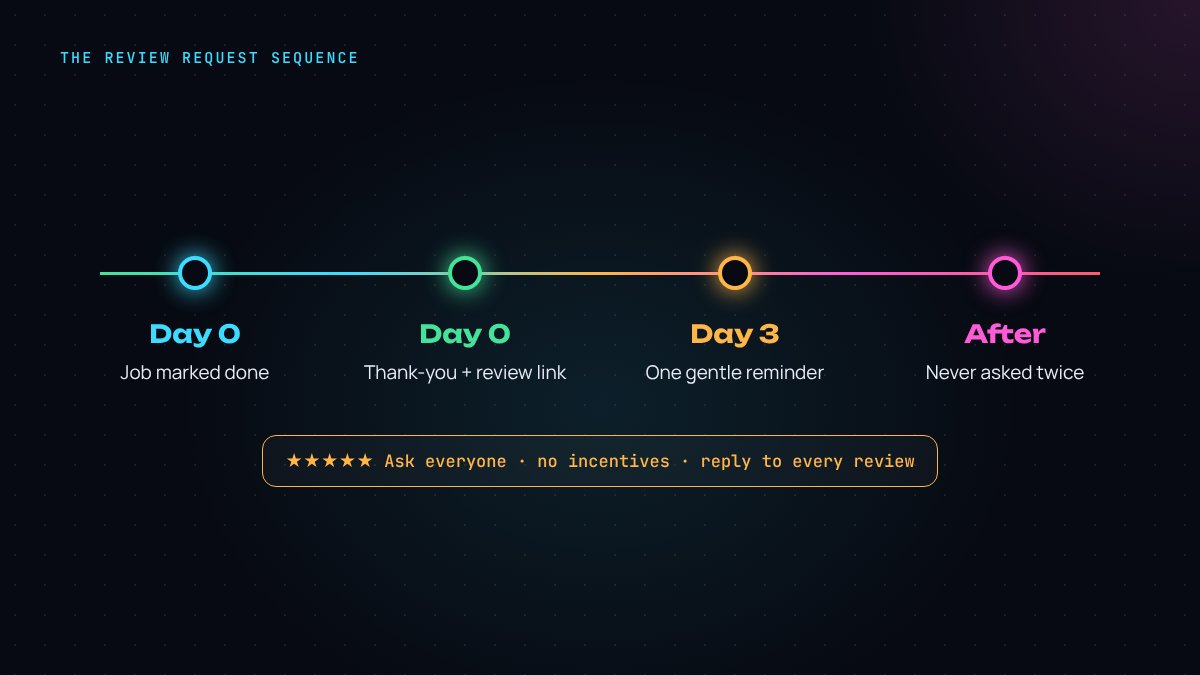
- Watch the sheet for rows where Status changes to Done.
- Send the thank-you email with the customer's name, the job and your review link.
- Wait three days (or whatever you choose).
- Send one reminder and mark the row so the customer is never asked twice.
Your only job is marking jobs as done, which you probably do already.
Template
Review Request Follow-up
Mark a job done in Google Sheets and it sends a thank-you with your Google review link, then one polite reminder, and never asks the same person twice.
Reply to every review
Thank people for positive reviews and answer critical ones calmly and quickly. Replies show future customers that you care, and they keep your profile active. To catch problems before they become public reviews, pair this with a private feedback triage step.
Frequently asked questions
How do I ask customers for a Google review?
Send a short, personal message right after the job with a direct link to your Google review form, then one reminder a few days later.
Where do I find my Google review link?
In your Google Business Profile, under Ask for reviews or Get more reviews. Copy the short link and use it in your emails.
Can I offer a discount for a Google review?
No. Google's policies do not allow incentives for reviews. Ask every customer and keep it optional.
Can review requests be automated?
Yes. An automation can send the request when a job is marked done in your sheet, send one reminder and record that the customer was asked.
Templates for this job
Want it built around your exact tools? Custom n8n workflows from $150.