Reviews · Guide
How to Reply to Online Reviews and Win Trust
Quick answer
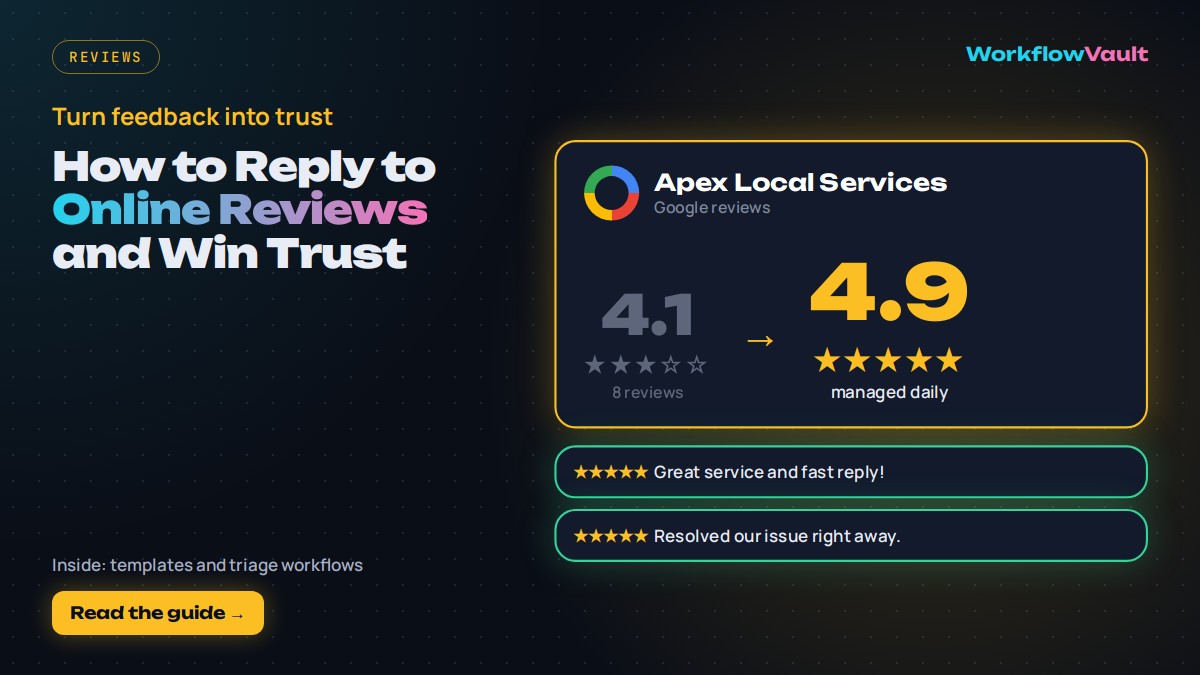
Replying to online reviews quickly shows potential customers that you care about service quality. You can manage this efficiently by using templates for positive feedback and structured escalation steps for negative feedback.
When a customer leaves feedback online, they are speaking not just to you, but to every future person who visits your profile. Responding thoughtfully is one of the most reliable ways to build trust without spending money on ads.
Managing this process manually often slips down the priority list when you are busy running your business. Having a clear plan and standard replies makes it much easier to stay consistent.
Why Review Responses Matter
People looking for a local service read what previous clients say before they make contact. When they see active, polite owner replies, it proves there is a real team behind the business who stands by their work.
Ignoring reviews sends the opposite message. Even a simple thank you can turn a casual buyer into a vocal advocate who recommends you to their friends and neighbours.
Public feedback also signals to search algorithms that your business is active and engaged. Consistent replies help keep your local profile healthy and visible to people searching in your area.
Handling Positive Feedback
Positive reviews are the easiest to answer, but many owners leave them blank or use a generic one-word reply. A good response should acknowledge the specific service provided and invite them back.
Avoid copying and pasting the exact same sentence for every person. Small variations make your business feel personal and genuine.
Here is a simple template you can adapt for happy clients:
"Hi [Name], thank you for the kind words about your [Service] last week. It was a pleasure working with you. Let us know if you need anything else down the track!"
Addressing Constructive Criticism
Negative reviews happen to every business eventually. How you handle them matters far more than the occasional complaint. Prospective clients often judge you more on your reply to a bad review than on the review itself.
Keep your reply calm, factual, and brief. Never argue online or try to prove the customer wrong in public, as this rarely ends well.
Move the conversation offline as quickly as possible so you can resolve the issue privately. Here is a safe template to use:
"Hi [Name], I am sorry to hear your experience did not meet expectations. We take pride in our work and would love to make this right. Please reach out to me directly at [Email/Phone] so we can sort this out."
Sorting Feedback Categories
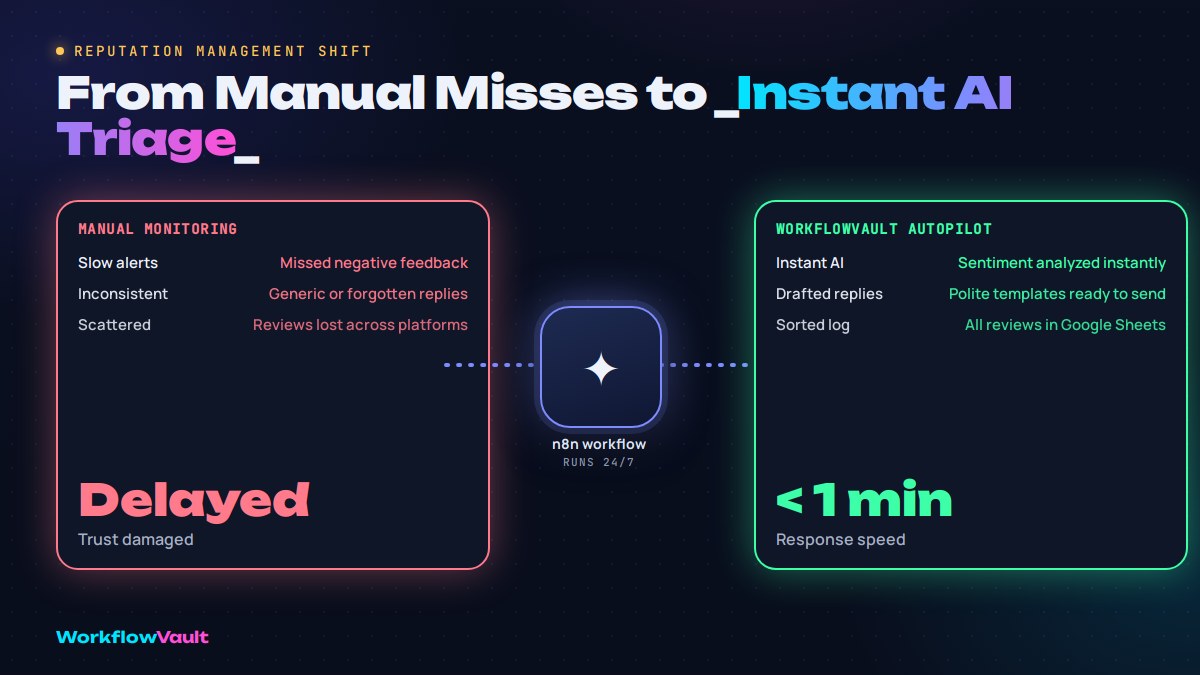
As your business grows, keeping track of incoming feedback across multiple platforms takes real effort. Sorting comments by sentiment helps you spot operational issues early.
If multiple people mention the same problem with a specific product or booking step, you know exactly what needs fixing. Keeping a simple log helps your team track trends over time.
| Rating | Type | Recommended Action |
|---|---|---|
| 5 Star | Praise | Thank publicly within 24 hours |
| 3-4 Star | Neutral | Acknowledge and note any specific tips |
| 1-2 Star | Complaint | Offer private resolution immediately |
The Workflow, Step by Step
- Connect your review profile notifications to your central email inbox.
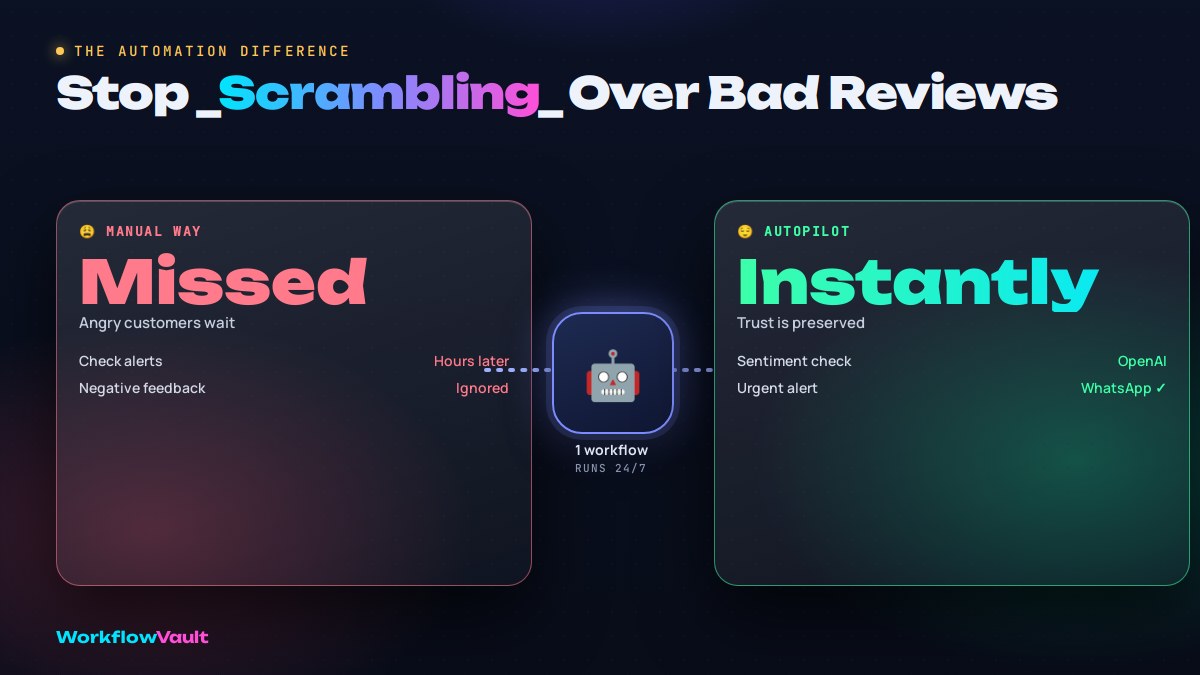
- Use Customer Feedback AI Triage to read and categorize incoming reviews automatically.
- Route unhappy customer alerts straight to your phone so you can act fast.
- Log all feedback into a master Google Sheet for weekly review.
- Draft personalized replies using your standard templates for approval.
If you also want to collect more reviews from happy clients automatically after a job is marked complete, check out our guide on how to get more Google reviews automatically.
Common Mistakes to Avoid
One common mistake is waiting weeks to reply. By the time you respond, the conversation is cold and loses its value for other readers.
Another pitfall is taking negative feedback personally. Treat complaints as operational feedback rather than an attack, and keep your tone professional at all times.
Finally, do not buy fake reviews or offer incentives in exchange for five-star ratings. Platforms catch onto this quickly, and it can damage your standing permanently.
Conclusion
Replying to online reviews does not have to take hours out of your busy week. With a few clear templates and a reliable routine, you can protect your reputation and build lasting goodwill with your audience.
Start small by setting aside ten minutes each morning to check your profiles, or set up automated alerts so nothing slips through the cracks.
Frequently asked questions
How fast should I reply to reviews?
Aim to reply within 24 hours for positive reviews and within a few hours for negative reviews to show you are attentive.
Should I reply to every single review?
Yes, acknowledging both positive and negative feedback shows prospective clients that you value all customer experiences.
What if a review is completely fake?
Flag the review with the platform provider as spam or policy violation while keeping your public reply polite and neutral.
Can I automate my review replies?
You can automate notifications and draft replies using tools like our Customer Feedback AI Triage template, keeping you in control of what gets posted.
Templates for this job
Want it built around your exact tools? Custom n8n workflows from $150.