Leads · Guide
How to Use Google Sheets as a Simple CRM (and When to Move to HubSpot)
Quick answer
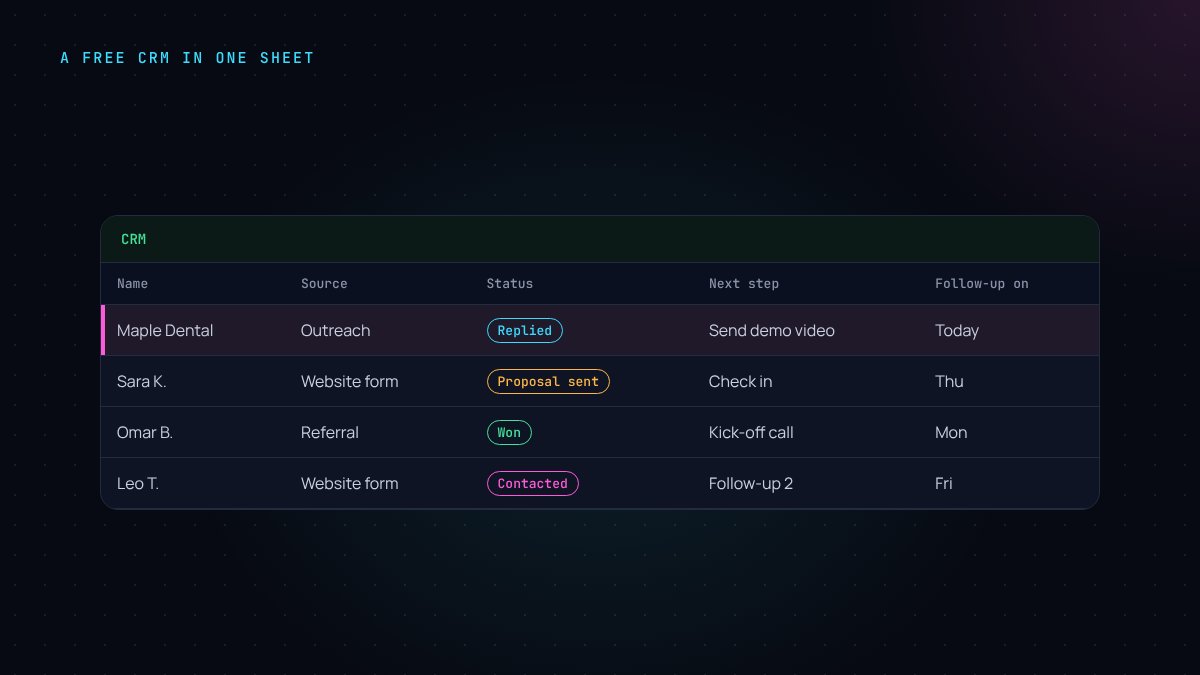
Make one sheet with a row per lead and columns for date, name, contact, source, what they need, status, next step and follow-up date. Use a fixed list of statuses, sort by follow-up date every morning, and let automation add new leads for you. Move to a free CRM like HubSpot when several people share leads or you need email history and reminders per contact.
A CRM sounds like big-company software, but at its heart it is just a list of people you might do business with and what happens next with each. For many small businesses, a well-organised Google Sheet does that job perfectly, costs nothing, and is something everyone already knows how to use.
The columns you need
| Column | Why |
|---|---|
| Added | When the lead arrived. Old leads go cold. |
| Name / Business | Who it is. |
| Email / Phone | How to reach them. |
| Source | Website form, referral, outreach, ads. Shows what works. |
| Need | One line on what they want. |
| Score or Value | How good or how big. Helps you prioritise. |
| Status | Where it is in your pipeline. |
| Next step | The very next action, in a few words. |
| Follow-up on | The date of that action. The most important column. |
| Notes | Anything else. |
Use fixed status stages
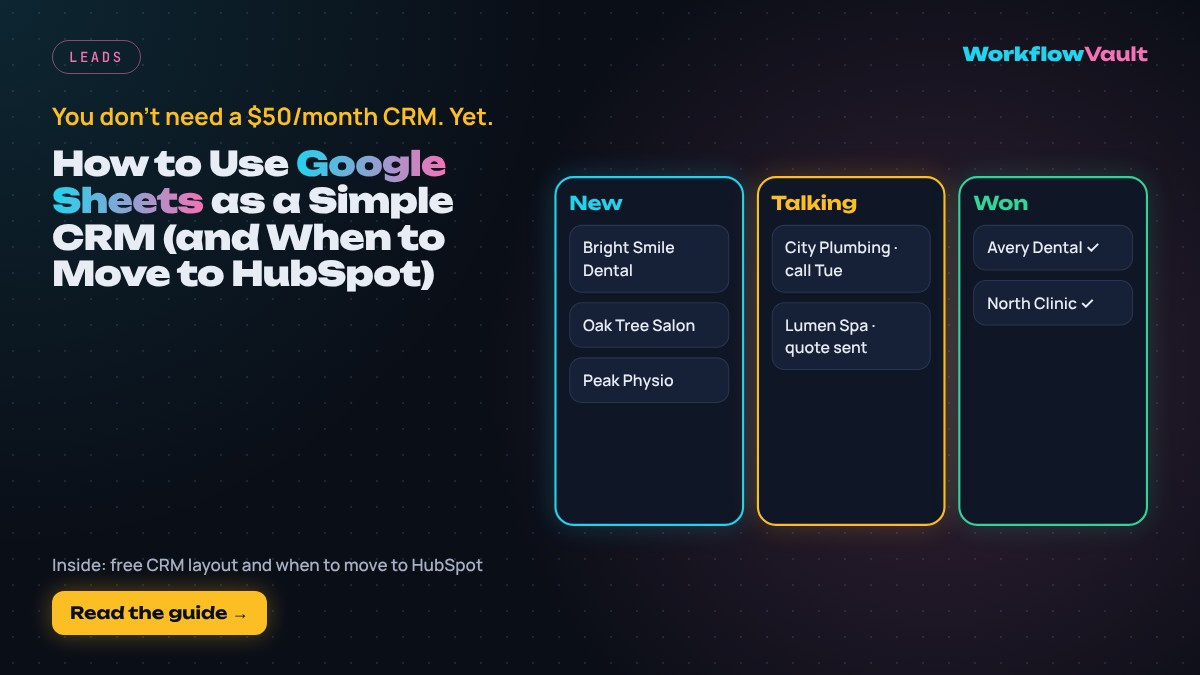
Free-text statuses ("talked to him", "maybe?") make the sheet useless after a month. Use a dropdown (Data > Data validation) with a short fixed list, for example: New, Contacted, Replied, Proposal sent, Won, Lost. Add conditional formatting so each status has a colour and you can see your pipeline at a glance.
The daily routine
- Filter out Won and Lost.
- Sort by Follow-up on, oldest first.
- Do every action that is due today or overdue, then set the next date.
Ten minutes a day with this routine beats any expensive tool you never open.
Let automation fill the sheet
The weak point of a manual CRM is data entry. Leads arrive by form, by email, from outreach, and someone has to copy them in. Automation removes that step:
- Website forms can add a row the moment someone submits. See sending form submissions to Google Sheets.
- AI qualification can fill the Score and Need columns for you. See qualifying leads with AI.
- Outreach prospects can be added as Draft rows by a lead finding workflow. See finding local business leads.
Signs it is time for a real CRM
- More than one or two people work the same leads and you keep overwriting each other.
- You want every email with a contact logged automatically.
- You need reminders, tasks and deal stages per person, not per row.
- The sheet has thousands of rows and filters are getting slow.
When that happens, a free CRM such as HubSpot's is the natural next step. You do not have to retype anything: the same automation that fills your sheet can create contacts and deals in HubSpot instead.
Ready-made template
Lead to HubSpot CRM
Sends every new lead from your forms into HubSpot's free CRM as a contact and a deal in the stage you choose, updates existing contacts instead of duplicating them, and emails you a link to the record.
Keep it tidy
- One row per lead, never merged cells.
- Freeze the header row and protect it so formulas do not break.
- Do not store sensitive personal data you do not need.
- Share the sheet only with the people who work the leads.
Frequently asked questions
Can Google Sheets be used as a CRM?
Yes. A sheet with a row per lead, fixed status stages and a follow-up date column works well for many small businesses, especially with automation adding new leads.
What columns should a simple CRM have?
Date added, name, contact details, source, need, score or value, status, next step, follow-up date and notes.
When should I move from a spreadsheet to a CRM?
When several people share leads, you want email history per contact, or you need tasks and reminders per deal. Free CRMs like HubSpot's are a good next step.
Can I add leads to Google Sheets automatically?
Yes. Form submissions, AI-qualified enquiries and outreach prospects can all be added as rows by an n8n workflow.
Templates for this job
Want it built around your exact tools? Custom n8n workflows from $150.