Leads · Guide
How to Follow Up with Leads Who Go Quiet Automatically
Quick answer
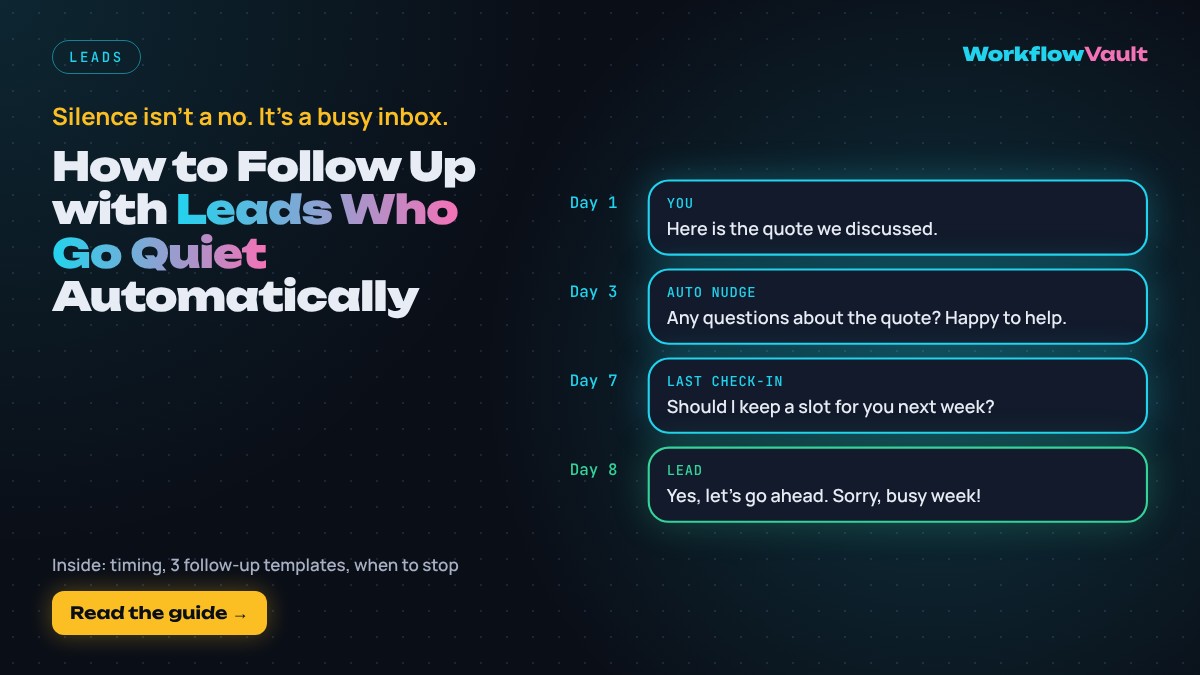
You can follow up with leads who go quiet by setting up an automated sequence that sends gentle check-in emails after a few days of silence. This keeps your business top of mind and stops the moment the lead replies.
When a potential client makes an enquiry and then stops replying, it is easy for them to slip through the cracks. Most small business owners get busy with day-to-day service delivery and forget to send that crucial second or third email.
Setting up a reliable follow-up habit takes time you probably do not have. Here is how you can handle silent leads automatically so you never miss a chance to win a customer.
Why leads stop replying to enquiries
Leads often go quiet not because they are rejecting your offer, but because life simply gets in the way. They might read your initial reply while commuting, think about answering later, and then completely forget.
Another common reason is that they are waiting for more information or comparing options. If you do not check in, they move on to a competitor simply because that competitor stayed visible in their inbox.
The danger of manual chasing
Trying to remember which leads need a follow-up is a heavy mental burden. You might flag emails, write notes on sticky pads, or try to scan your sent folder at the end of a long workday.
This manual approach leads to missed follow-ups and inconsistent communication. When you finally do remember to check in, days or weeks may have passed, making it much harder to revive the conversation.
What a good follow-up sequence looks like
An effective follow-up process does not need to be pushy or aggressive. It should feel helpful, polite, and relevant to the original conversation you started with the lead.
Your messages should reference what they asked about and offer a simple next step. Most importantly, the automation must stop the exact moment the lead replies so you never send an awkward follow-up to someone who just said yes.
| Stage | Timing | Goal |
|---|---|---|
| First contact | Immediate | Acknowledge enquiry and answer initial questions |
| First check-in | Day two | Share a helpful tip or ask if they need clarification |
| Final check-in | Day five | Offer a final low-pressure way to reconnect |
How to set up automated check-ins
You can manage this process using tools that connect your email inbox and lead forms together. Instead of writing reminders for yourself, the system tracks the timeline of each conversation.
When a lead submits their details, the system logs the interaction and schedules the next touchpoint. If a reply comes in, the sequence clears itself instantly so you can take over the conversation personally.
The workflow, step by step
- A potential client fills out the contact form on your website.
- The system scores the enquiry and sends a tailored reply within a minute.
- If the lead does not reply, the system waits until day two and sends a polite follow-up in the same email thread.
- If still no response, a final gentle check-in goes out on day five.
- The moment the lead sends a reply, the automation stops entirely so you can manage the chat.
Keeping your pipeline active
Automating your follow-ups ensures every single enquiry gets the attention it deserves without adding to your daily admin tasks. You spend less time digging through your inbox and more time talking to interested clients.
To explore more ways to manage your enquiries, take a look at our guide on how to qualify leads automatically with AI or read about how to reply to leads faster with ai.
Ready to stop losing prospects in a busy inbox? Try the AI Lead Qualifier + Follow-up template and let your systems handle the chase.
Frequently asked questions
Will follow-up emails sound robotic?
No, the AI drafts messages based on your specific tone and the original conversation context so they sound completely natural.
What happens if the lead replies?
The automation detects the reply instantly and stops all further scheduled follow-ups so you can take over.
Can I choose the timing of the follow-ups?
Yes, you can adjust the schedule to wait two days, five days, or any timeline that fits your business model.
Do I need coding skills to use this?
No, the workflow runs on n8n and connects your existing tools without requiring any programming knowledge.
Templates for this job
Want it built around your exact tools? Custom n8n workflows from $150.