LD
Sales & email
AI automation templates for n8n
Ready-made AI workflows for leads, email, content and ops. Import one file, connect your own accounts, and watch it run on your n8n.
Connects with the tools you already use
The vault
Hover a template to see it run. Open one for the full node-by-node breakdown. Each one ships with notes on the canvas, a setup guide and 7 days of email help.
Who it's for
Pick the job that eats your week. There is probably a workflow for it.
Answer every enquiry fast, keep leads in one sheet and get pinged when something needs you.
Turn research, scripts and uploads into a daily routine that runs while you sleep.
Install proven workflows for clients in minutes and offer automation as a service.
Back up every workflow nightly and hear about failures before your customers do.
Execution path
Download the .json workflow and setup guide after checkout.
In n8n choose Import from File on a new workflow.
Add your own Gmail, AI and alert accounts where the notes point.
Run once to check, then publish. It keeps running on its own.
No API keys ship with templates. You connect your own accounts inside your own n8n.
Anything that talks to customers creates drafts by default. You decide what goes out.
Sticky notes on the canvas and a setup guide, so you can change it later on your own.
Stuck on setup? Email us. If it doesn't run as described, you get a fix or a refund.
Done for you
Starting prices. You get a fixed quote after a short chat.
Debug log
Can't find your answer? Trigger the webhook below.
Yes. Templates run on n8n Cloud or self-hosted n8n. The Template install service can help you set one up.
No keys are included. You connect your own accounts inside n8n, so your data and keys stay with you.
Most templates accept any OpenAI-compatible API: Gemini, OpenAI and OpenRouter all work. Gemini's free tier is enough to start.
Each template lists the version it was tested on. Recent versions work best.
Send a message with what you see. If a template doesn't run as described after setup, you get a fix or a refund.
Custom build
Describe it in two lines. You get a fixed quote and a plan for the workflow, usually within one business day.
Guides
Free step-by-step guides for small business owners.
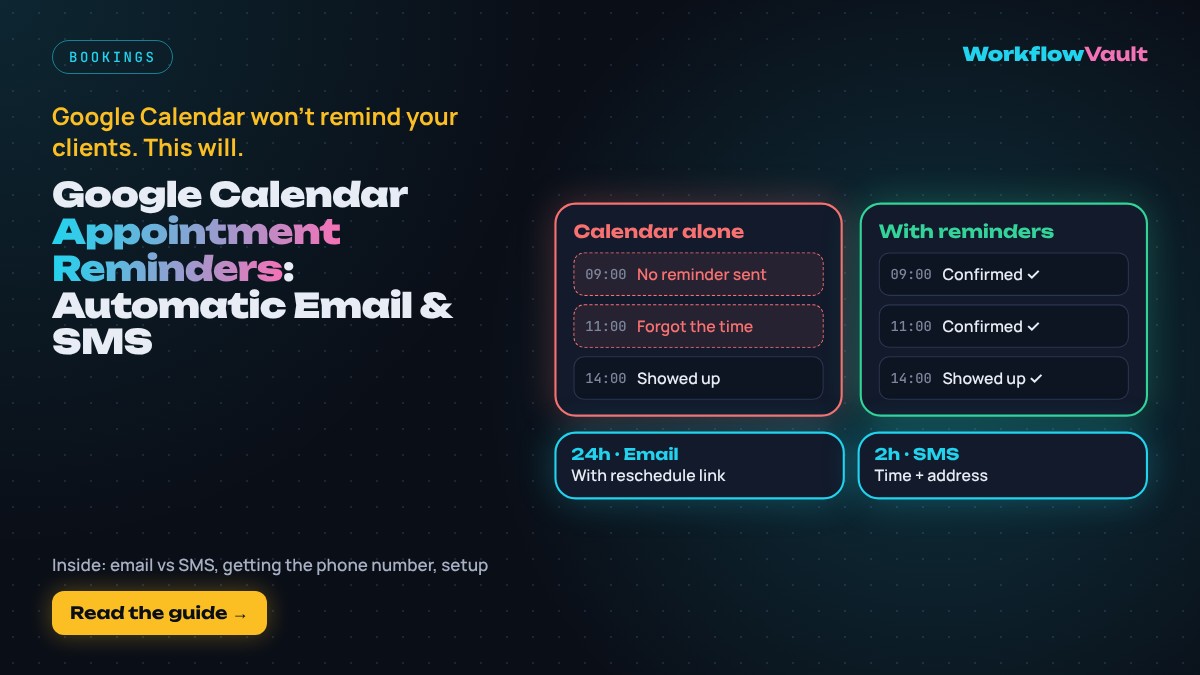
Send automatic appointment reminders from Google Calendar by email or text, 24 hours and 2 hours before each booking, with a reschedule link. Free setup with n8n.
Read →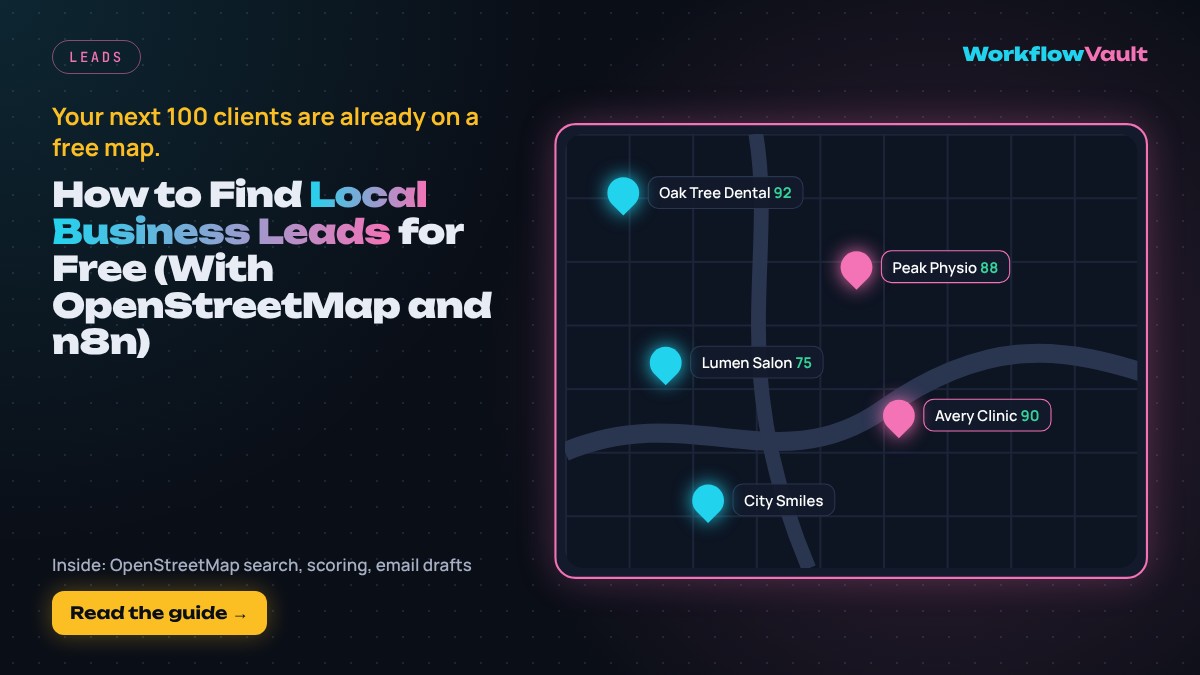
Build a free list of local business prospects in any niche and city: where to find them, how to get a contact email from their website, and how to automate it with n8n.
Read →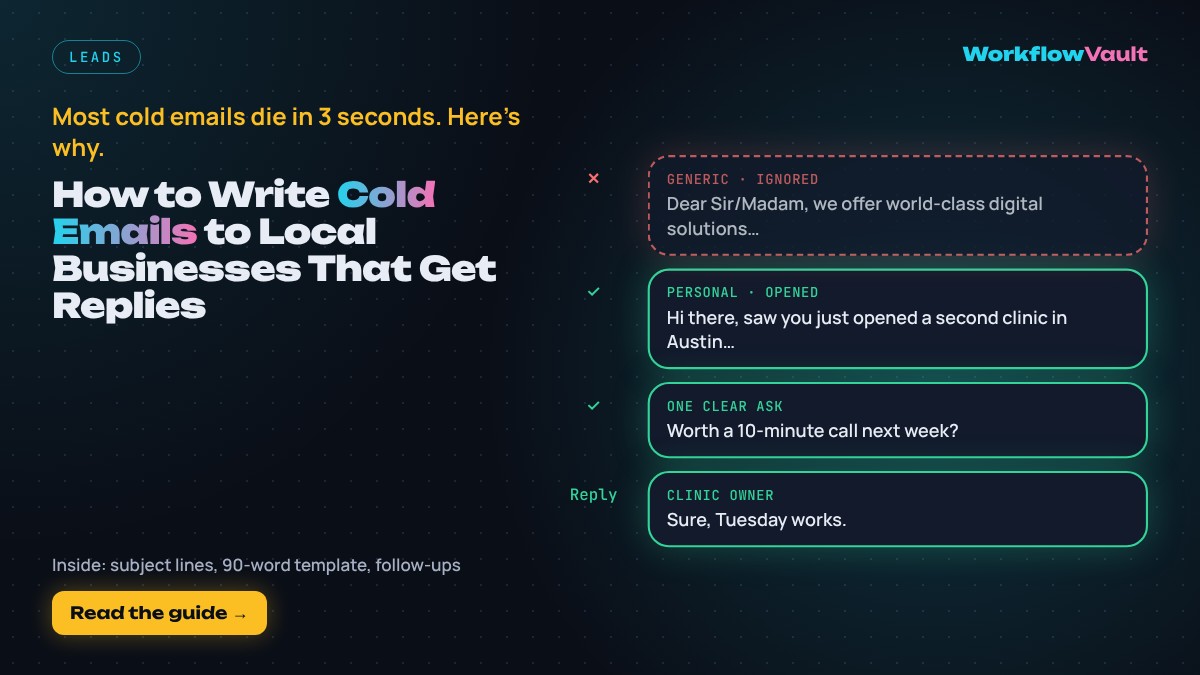
A simple structure for short, personal cold emails to local businesses: subject lines, the first line, one clear offer, an easy question, follow-ups and what to avoid.
Read →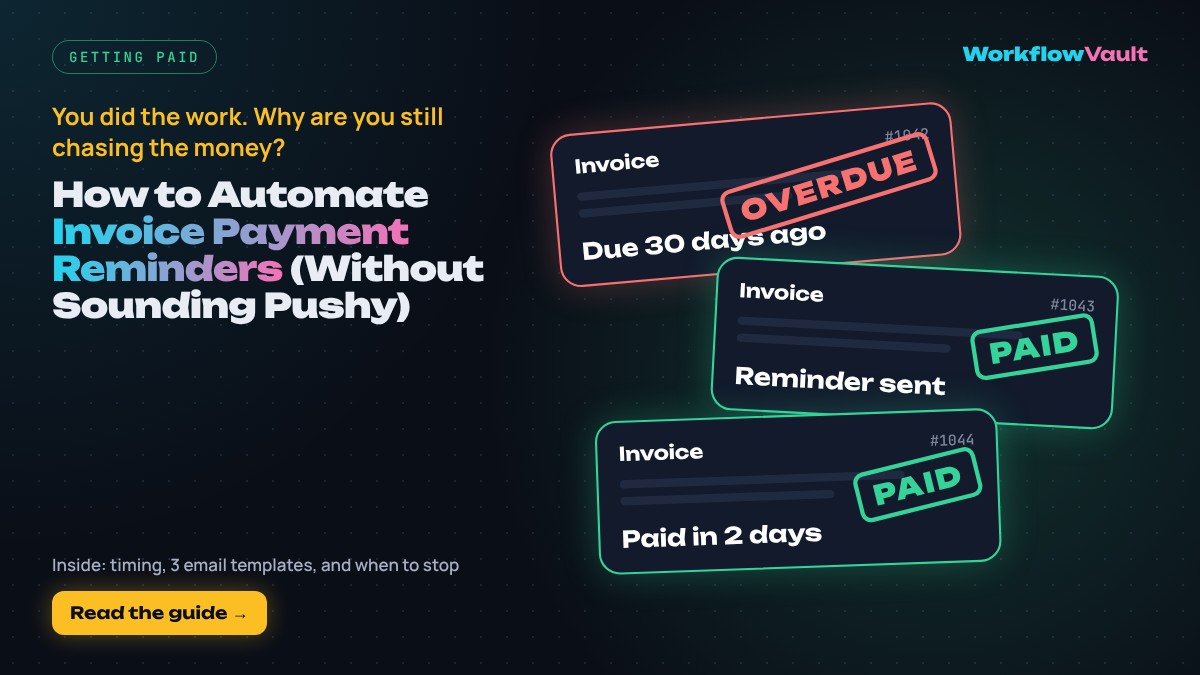
A practical guide to automatic invoice reminders: when to send them, what to say at each stage, and how to set up a polite reminder sequence with Google Sheets, Gmail and n8n.
Read →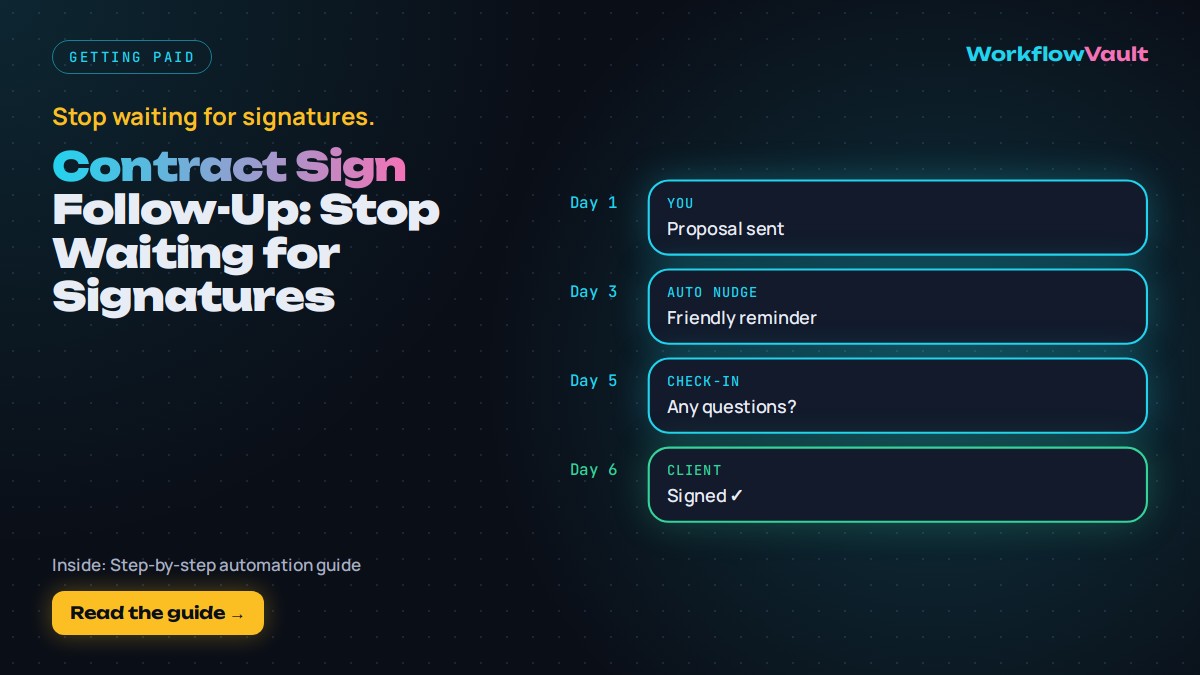
Stop chasing unsigned contracts. Learn how to automate e-signature reminders so agreements get signed faster without awkward manual follow-up emails.
Read →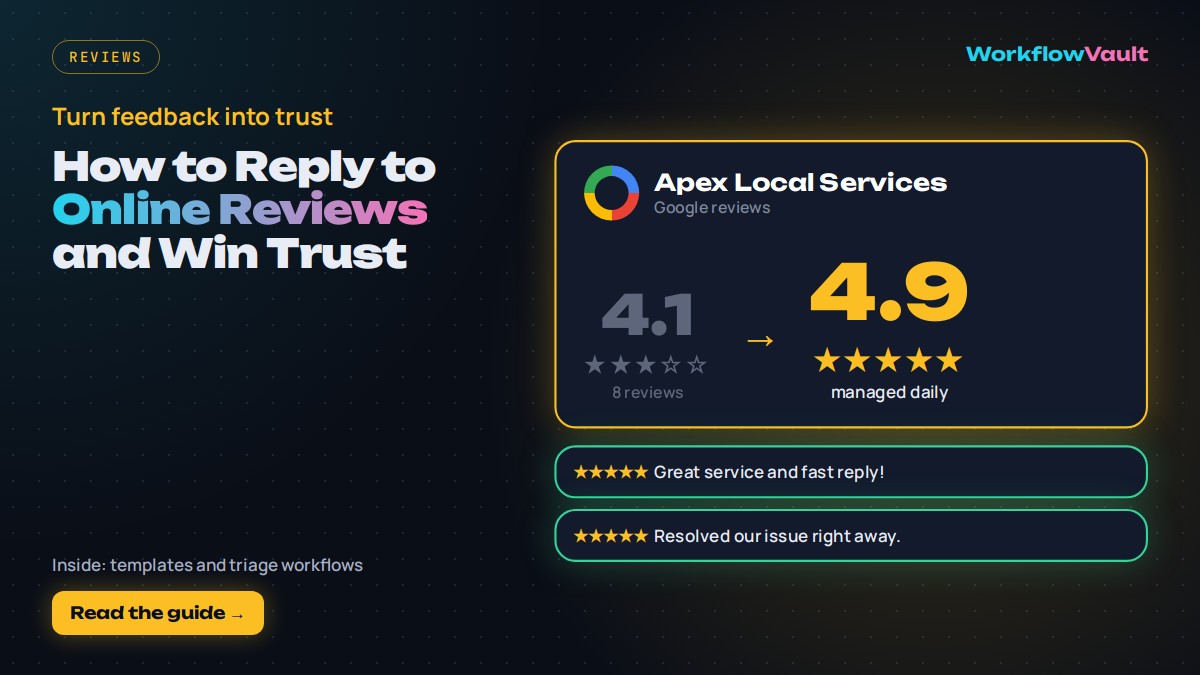
Learn how to reply to online reviews efficiently. Save time, protect your reputation, and turn feedback into loyal customers with practical templates.
Read →